


WIndows 11 Pro 35pc key

$580.00

Get Extra 20% Off with code BLACK20

  • 00Days
  • 00Hours
  • 00Minutes
  • 00Seconds
—— Instant Checkout ——

An Electronic License Key Will be Emailed to You 5-10 Minutes After Checkout.

Instant Digital Download

Lifetime Product Guarantee

Year Round Service

Microsoft Certified Partner

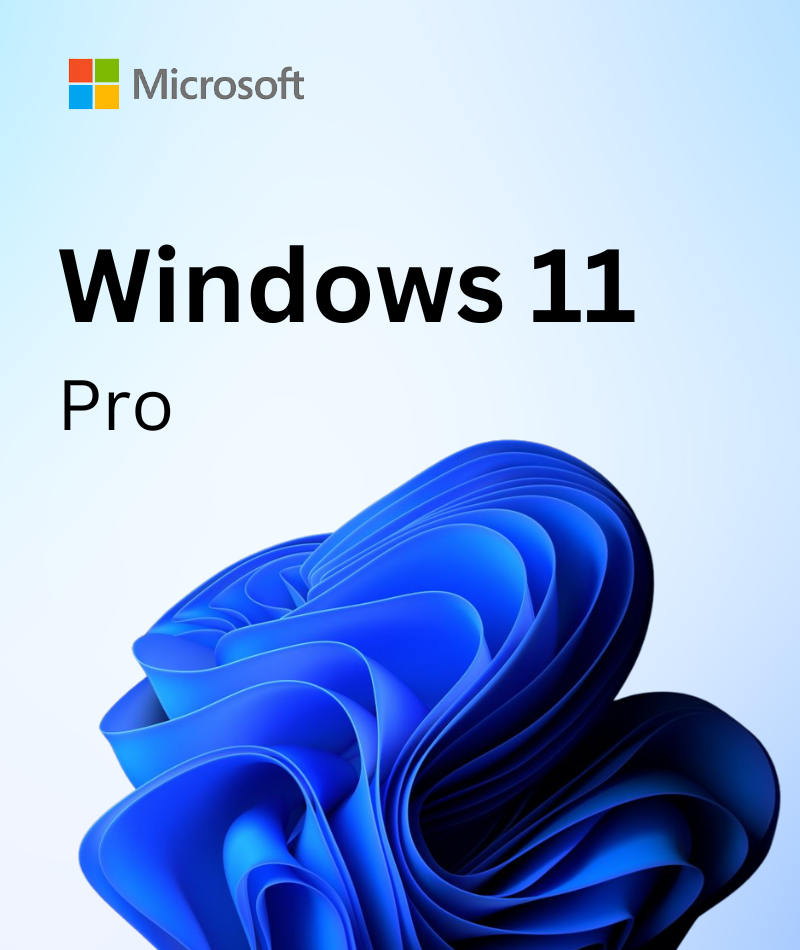
Buy Microsoft Windows 11 Pro 35 PC License Key – Upgradable OS & All Features

WIndows 11 Pro 36pc keyMicrosoft dominates the software market worldwide with its Operating System software, and Windows 11 Pro is the latest one. It is designed to meet all your computing needs with enhancements and new features.  Also, Microsoft has designed it for everyone, whether you are a student, business professional, IT expert, gamer, or a newbie in computing. The Windows 11 Pro is specially designed and developed for IT experts, business professionals, and individuals who need professional programs and features to meet their expectations.

What Makes Windows 11 Pro Easier to Use

As mentioned, Windows 11 Pro makes your computing skills simpler and more accessible. But what makes it so much easier and simpler? Well, some features and enhancements are behind this. Have a look at the upgrades and features that makes Windows 11 Pro simpler and more accessible:

1. All-in-one Search Bar

The all-new Windows search bar includes web and local desktop searches simultaneously. Pressing the Windows key + S key or the Windows key will let you see the Windows Search Bar in Windows 11 Pro.

2. Accessibility

Necessary tools are more accessible now with Windows 11 Pro. The File Explorer now has browser-like tabs; explore more things with the all-new search bar, add your favorite apps to the taskbar, and pin-unpin your tools and applications on the start menu. Also, you can use multi desktops simultaneously and access the remote desktops easily through your device.

3. Setup and Personalization

The start menu has a new place in Windows 11 Pro, which is now located in the center of your taskbar. You can pin-unpin applications on the start menu favorites to access them when necessary. Some new adjustments have been added to Windows 11 Pro to meet your expectations, like changing color in themes, Focus mode, and others. All new setups of Windows 11 Pro will give your device an iconic look as your expectations.

4. Widgets

The Widgets are renowned for assisting you with your task-completing processes. Windows 11 Pro has many widgets to assist you with your tasks. You have to grab them for free from Microsoft Store.

5. OneDrive

Cloud computing is the future of modern computing, and OneDrive is the Cloud network offered by Microsoft. You can now keep all your files safe and secured on cloud storage. Also, the files or documents will be saved automatically whenever you make any changes to them.

6. Tips and Get Started App

The Tips and Get Started applications will guide you using Windows 11 Pro. Though the applications were included in the previous versions, this one has more enhancements.

7. Alt Text

Create Alt Text for images, shapes, and charts in Windows 11 Pro to convert your texts into images. It will be a helpful one for you when you are a professional user. Also, this will help other people to understand your content, especially the blind ones.

8. Color Filters

The color filters will help you change your display’s color palate. Sometimes, it gets hard to see what’s on display, and it’s when you should change the color palate of your screen to clear your visuals.

9. Dark Mode

Your screen is now more comfortable with your eyes with the all-new dark mode features of Windows 11 Pro. To turn on the dark mode, go to Personalization > Color settings. You can also choose custom modes to make your screen meet your eye’s comfort.

Trusted by 10000+
Individuals & businesss in USA

Frequently asked questions

You’ll get a digital software license and download link through email within 3 – 5 minutes.

License keys/serial numbers and download link with instructions are emailed out within 5 minutes of purchase time. Please check your junk/Spam folder if you are unable to find your license details.

Download links are contained within the email containing the license from [email protected]

Typically we include installation instructions with any online/downloadable software license. If you are experiencing some trouble with a software product you purchased from us, you can email us at [email protected]

Since these are genuine Microsoft products, you will be able to obtain regular updates from Microsoft using an Internet connection

Msckey is a proud Microsoft Certified Partner, and as such, all our software products are 100% legitimate and authentic. In addition, any software you purchase from is covered by our hassle-free money-back guarantee. We encourage all our customers to register their specific Microsoft Office Product key via Microsoft online activation to ensure verification and tracking of their authentic software products.


Recommended Products for You