Beschrijving
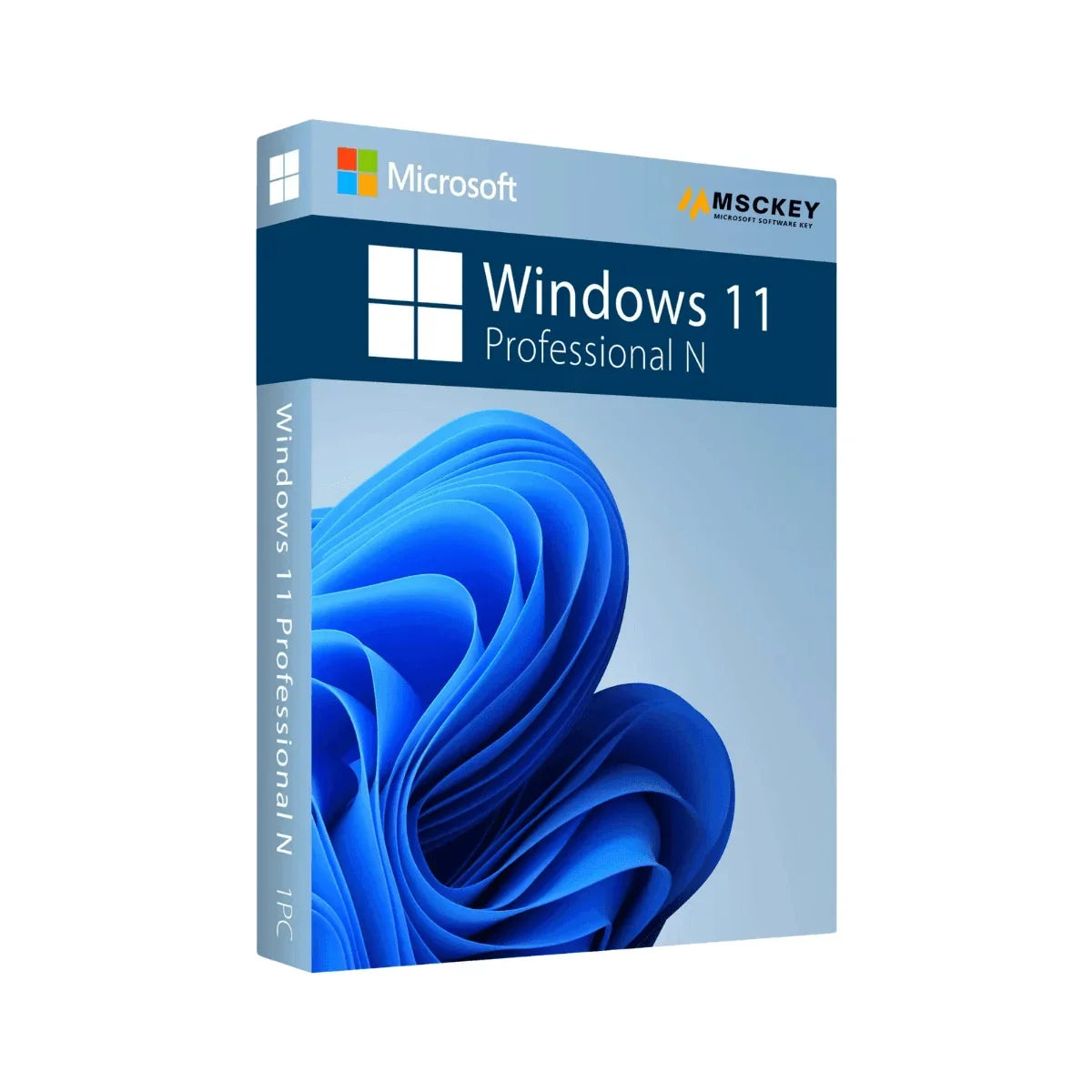
Windows 11 Pro N is another version of Windows 11 OS, which is the most recent version developed by Microsoft. This edition is specifically built for professionals like business users from the European Union (EU) and the European Free Trade Association (EFTA). Windows 11 Pro N has similar features to Windows 11 Pro, but it doesn’t include multimedia features like Windows Media Player, Skype, Voice Recorder, and so on. Though the Pro N edition hasn’t integrated Windows Media Player, you can still download and install it. Buy Windows 11 Pro N license key at a competitive price and organize your OS with your preferred applications.
What is Windows 11 Pro N
Windows 11 Pro N is a version of Windows 11 Pro designed for European markets, offering the same powerful features as Windows 11 Pro but without pre-installed media-related technologies (like Windows Media Player) due to EU regulations. It includes enhanced security, productivity, and management tools, making it ideal for business and professional use. Users can still install media features separately if needed.
Windows 11 Pro N Features
Windows 11 Pro N contains several advanced features to ensure a better user experience. It is a secure, stable, and high-performance OS that users can increase their workflow. Let’s explore the features:
Fluent Design Principles
Microsoft released Windows 11 with advanced features and Fluent Design Principles to make it more effective for users. Users can use the Start Button in the center part of the homescreen, which enables easy access to all applications and tools. Getting Windows 11 Pro N, organize your workplace as you want to view it. With the Microsoft Edge browser and Microsoft Store, download your desired apps and programs to enhance your workspace.
Enhanced Security Features
Microsoft prioritizes security over everything and tries to release its software with top-notch security functionalities. With BitLocker Device Encryption, your device locks everything when your device is lost, and Device Encryption allows only authorized persons to access the device. Moreover, Windows 11 Pro N includes Firewall and Network Protection, Internet protection, Secure boot, Windows Hello, and more features to provide the best security ever.
One-Click Contact for Better Communication
Microsoft integrates the Teams app into Windows 11 Pro N for better communication. No matter whether you have a mobile device or a computer, you can reach anywhere and anytime. With voice or touch command features, creating text is much easier and efficient than ever.
Best for Gaming
Windows 11 Pro N delivers the best gaming experience for users with advanced gaming features. It contains DirectStorage, Auto HDR, and DirectX 12 support for delivering better gaming graphics and performance.
Multiple Desktops
Windows 11 Pro N provides multiple desktop facilities to get a better overview of your workflow. Switching between desktops is available with just a few clicks and using a combination of keys. This increases the effectiveness of your work.
Live Captions into Multiple Languages
In the recent update, Windows 11 Pro N includes Live Captions that effectively translate audio or video content into 44 languages. It helps users to understand the content of different languages, whether they don’t know about it.
Windows Studio Effects
Windows Studio Effects is an effective feature to make video calls better with the support of Artificial Intelligence. When making video calls, Windows Studio Effects improves lighting and clear noise to make your video calls smooth.
Business Management and Deployment Tools in Windows 11 Pro N
Microsoft integrates several business management and deployment tools in Windows 11 Pro N to enhance its efficiency. Have a look:
- Group Policy
- Dynamic Provisioning
- Kiosk Mode setup
- Assigned Access
- Enterprise State Roaming with Azure
- Microsoft Store for Business
- Mobile Device Management
- Support for Active Directory
- Support for Azure Active Directory
- Windows Update for Business
Difference Between Windows 11 Pro and Pro N
The main difference between Windows 11 Pro and Pro N is that the Pro N version does not include certain media-related features, such as Windows Media Player and related technologies, to comply with European Union regulations. Both versions offer the same core functionality, security, and business features. Users of Pro N can still download and install media playback components separately if needed.
How to Download Microsoft Windows 11 Pro N?
Downloading Windows 11 Pro N is simple and takes little time to complete the whole process. Here are brief instructions:
- Download Windows 11 ISO from the official Microsoft website.
- Use the Rufus app to create a bootable USB drive.
- Plug out the USB drive from your computer and turn it off.
- Again, insert the USB drive and boot the PC according to your device brand.
- Follow the on-screen process and select the Windows 11 Pro N operating system, and complete the installation.
- Now, finish some basic setup and use this operating system.
Note: It is recommended to back up important files and documents to the cloud or a hard drive to prevent any data loss issues. However, to use all the premium features, buy Windows 11 Pro N genuine license from Msckey at a cost-effective price now!
What Will You Get After Purchasing from Msckey?
Msckey is a reliable store to purchase various software at a cost-effective price, including Microsoft products. When you buy original software and genuine license keys from our store, you will the following benefits:
- Windows 11 Pro N product key for 1 PC/Device
- Windows 11 Pro N official download link
- Complete instructions for product setup
- Multiple secure payment methods
- Purchase invoice
- Instant delivery
- Free technical support 24/7
System Requirements
There are simple system requirements to setup Windows 11 N Pro. Check these systems on your device before downloading the OS:
Processor: At least 1 GHz with a 64-bit processor, 2 or more cores
RAM: 4 GB of RAM or more
Storage: 64 GB of disk space
Display: Screen resolution 800 x 600 pixels
Graphics Card: DirectX 12 or later with WDDM 2.0 driver
Additional Requirements: Internet connection and a Microsoft account
Extra informatie
Verzending & Retour
Verzend- en retourbeleid
Bij McKeyWij verkopen 100% digitale softwarelicentiesleutels. Er is geen fysiek product en er vindt geen fysieke verzending plaats. Lees dit beleid aandachtig door voordat u uw bestelling plaatst.
Hoe wij uw bestelling bezorgen
Alle producten die op Msckey.com worden verkocht, zijn Digitale licentiesleutels worden per e-mail verzonden.Zodra uw betaling is bevestigd, worden uw licentiesleutel(s) naar het e-mailadres gestuurd dat u bij het afrekenen hebt opgegeven.
- Leveringsmethode: Alleen via e-mail - geen fysieke verzending.
- Levertijd: De meeste bestellingen worden binnen ... bezorgd. 1 tot 24 uur na bevestiging van de betaling
- Geen verzendkosten: Aangezien alle producten digitaal zijn, worden er geen verzendkosten in rekening gebracht voor bestellingen.
- E-mailcontrole: Controleer uw inbox en uw spam-/ongewenste e-mailmap als u uw sleutel niet binnen de verwachte tijd ontvangt.
Als u uw licentiesleutel niet binnen 24 uur na uw bevestigde betaling heeft ontvangen, neem dan contact met ons op via support@msckey.com En we zullen het snel oplossen.
Retourneren & Restitutiebeleid
Omdat onze producten digitale licentiesleutels zijn, is ons retourbeleid anders dan voor fysieke producten. Lees het volgende aandachtig door voordat u uw aankoop voltooit.
Restitutie mogelijk - vóór sleuteloverdracht
U kunt een volledige terugbetaling aanvragen. voordat uw licentiesleutel naar u is verzondenAls u na het plaatsen van uw bestelling van gedachten verandert en de sleutel nog niet is geleverd, neem dan zo snel mogelijk contact op met onze klantenservice. Wij zullen uw terugbetaling dan verwerken.
Niet-restitueerbaar - Na sleuteloverdracht
Zodra de licentiesleutel naar uw e-mailadres is verzonden, De bestelling wordt als voltooid beschouwd en is strikt niet-restitueerbaar.Dit geldt ongeacht of de sleutel al dan niet is geactiveerd. Zodra de sleutel is geleverd, is deze in uw bezit en kan deze niet worden geretourneerd zoals een fysiek product.
Zodra een licentiesleutel is geactiveerd of gebruikt op een apparaat of account, is deze onder geen enkele omstandigheid restitueerbaar, zonder uitzonderingen.
Belangrijk - Lees dit voordat u tot aankoop overgaat.
- Zorg ervoor dat u het juiste product aanschaft (de juiste Windows-versie, Office-versie, aantal licenties, enz.) voordat u uw bestelling afrondt.
- Controleer of het product compatibel is met uw systeem voordat u de sleutel activeert.
- Als u twijfelt over de compatibiliteit, neem dan contact met ons op. voor een aankoop doen
- Wij raden u ten zeerste af de licentiesleutel te activeren totdat u er volledig zeker van bent dat dit het juiste product voor uw behoeften is.
Defecte of ongeldige sleutels
Wij staan achter de kwaliteit van onze producten. Als u een sleutel ontvangt die niet werkt of ongeldig is, neem dan contact op met onze klantenservice. binnen 30 dagen na aankoop met de volgende informatie:
- Uw bestelnummer
- Een schermafbeelding van de foutmelding die verschijnt bij het activeren van de sleutel.
- Uw apparaat- en systeemgegevens (versie van het besturingssysteem, enz.)
We zullen de zaak onderzoeken en, als het probleem aan onze kant wordt bevestigd, u naar eigen inzicht een vervangende sleutel verstrekken of een terugbetaling uitvoeren.
Neem contact met ons op
Mocht u vragen hebben over uw bestelling, levering of dit beleid, neem dan gerust contact op met onze klantenservice.
- E-mail: support@msckey.com
- Website: msckey.com
Ons supportteam staat klaar om u te helpen en zal zo snel mogelijk reageren.
Laatst bijgewerkt: juni 2026. Msckey behoudt zich het recht voor dit beleid op elk moment bij te werken. Eventuele wijzigingen worden op deze pagina weergegeven.
Beoordelingen
My Wishlist
Wishlist is empty.
Compare
Shopping cart