Beschrijving
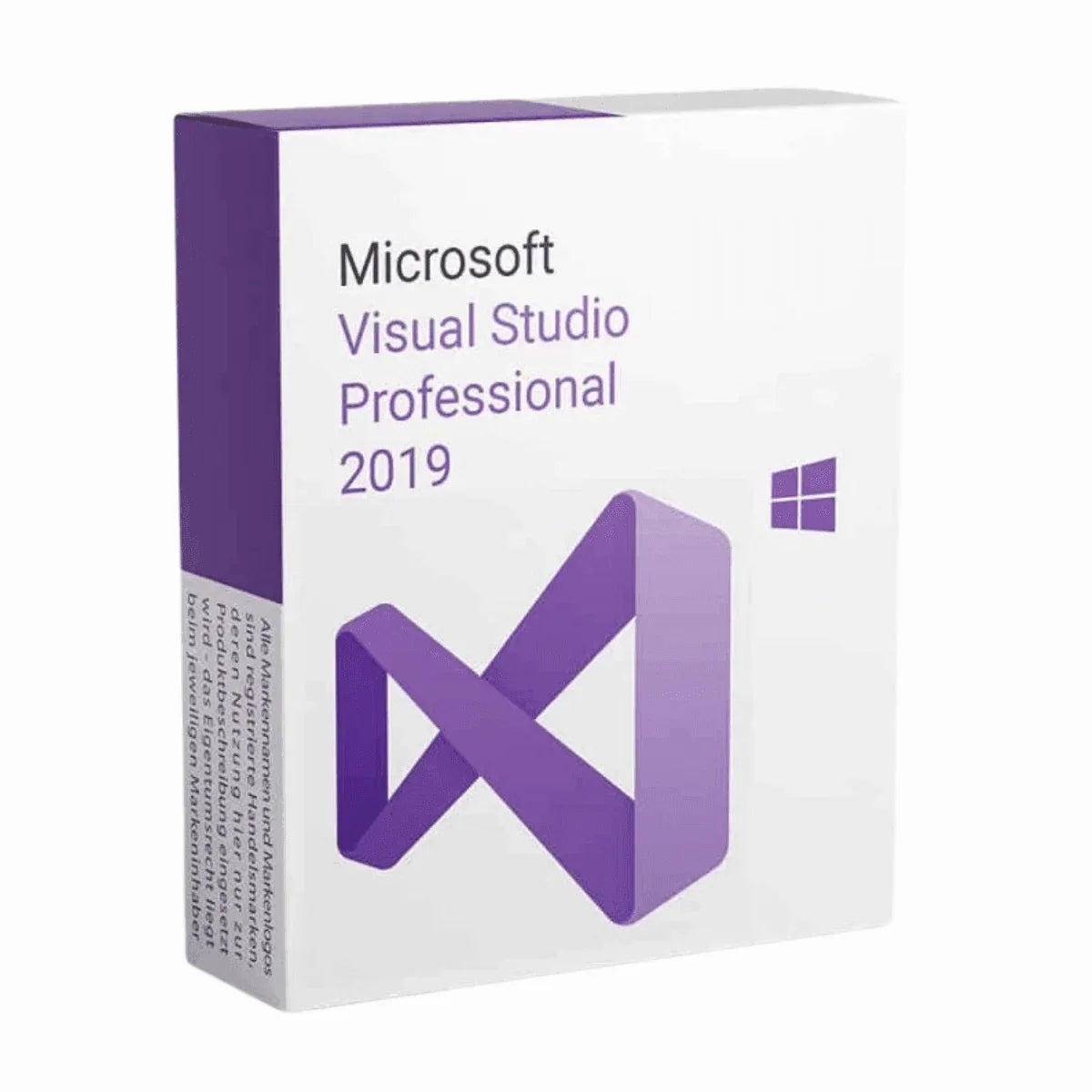
Buy Visual Studio 2019 Professional License Key and Download
How can you be ready to embark your journey into the coding world without a good IDE by your side? How about having a popular IDE software by your side that’s going to help you finish your task quickly and make you learn more? Sounds dreamy, right? Dreams become reality sometimes and so will it with the Visual Studio 2019 Professional developed by Microsoft.
Programming with Visual Studio Professional 2019 is something you wouldn’t want to miss if you’re a programmer. It has got all the facilities you might need to develop software. We’re sure you already know about the Visual Studio 2017 Professional. That was a masterpiece! But this one, the new Visual Studio 2019 Professional surpasses that! However, to prove that we’ll give you a detailed product description on the features and upgrades to make your understanding about Visual Studio 2019 Pro clearer.
Why Should You Use Visual Studio 2019 Professional?
Visual Studio Professional 2019 is an intelligent software development tool. Better and more functional than the popular Visual Studio 2017. Using this, you’ll not only be able to write code more efficiently, but also, identify mistakes, learn theories and syntaxes, and how to remediate the error. It’s a very productive software app, and a best friend to anyone who’s developing any kind of software, be it a large and complex one or small and simplified one.
Let’s take a look at some generic features of Visual Studio 2019 Professional.
Supporting Multiple Programming Languages
- Breadth: Develop in C#, Visual Basic, F#, C++, Python, Java, and more, making it versatile for various project needs.
Rich Code Editing Tools
- IntelliSense: Experience intelligent code completion, parameter info, and member suggestions as you type, boosting your coding speed and accuracy.
- Code Refactoring: Effortlessly restructure your code with features like renaming variables, extracting methods, and rearranging code blocks, improving maintainability.
- Debugging and Diagnostics: Identify and fix bugs efficiently with tools like breakpoints, call stacks, and variable inspection, accelerating development cycles.
Application Lifecycle Management
- Build and Deploy: Build applications for various platforms (desktop, web, mobile) and deploy them seamlessly to target environments.
- Project Management: Organize and manage your codebase effectively with features like project templates, solution explorer, and code search.
Collaboration Tools
- Git Integration: Version control your code and collaborate with other developers using Git repositories and Team Foundation Server.
- Live Share: Collaborate on code in real-time with other developers, regardless of their location, enabling efficient teamwork.
Web Development Tools
- ASP.NET MVC and Core: Build modern web applications using popular frameworks like ASP.NET MVC and ASP.NET Core.
- Node.js Support: Develop server-side applications with JavaScript using Node.js integration.
- Blazor: Create interactive web UIs with C# using the Blazor framework.
Mobile Development Tools
- Xamarin: Develop cross-platform mobile apps for iOS, Android, and Windows using Xamarin libraries and tools.
Game Development Tools
- Unity Integration: Work seamlessly with the Unity game engine directly within Visual Studio.
- DirectX Support: Leverage the DirectX graphics and audio API for high-performance game development.
These are just some of the many generic features of Visual Studio 2019 Pro. While some of the functions may vary in newer versions or any other alternative IDEs, it’d be a very good starting point for you to understand the capabilities of professional development environments.
What’s New in Visual Studio 2019 Professional?
Even though Visual Studio 2019 Professional is a comparatively older software. So, the features got upgraded a lot since then but here are some of the updates and new features you’ll be seeing starting from Visual Studio Pro 2019 than Visual Studio 2017 Professional software.
Productivity Enhancements
- Live Code Analysis: Get real-time feedback on your code as you type, highlighting potential issues like syntax errors and style violations.
- Improved IntelliSense: Gain even more intelligent code completion suggestions and context-aware refactoring options.
- Focus Mode: Minimize distractions and stay focused on your code with adjustable background dimming and temporary notifications silencing.
- Performance Improvements: Experience faster loading times, build speeds, and overall responsiveness compared to VS 2017 Pro.
Development Tool Updates
- C# 8 and 9 Support: Leverage the latest language features like pattern matching, nullable reference types, and top-level statements for cleaner and more concise code.
- ASP.NET Core 2 and 3: Develop modern web applications using the latest versions of the popular ASP.NET Core framework with features like razor pages and enhanced dependency injection.
- Xamarin.Forms Enhancements: Build cross-platform mobile apps with improved performance and new UI controls like master-detail pages and carousel views.
- Live Unit Testing: Run unit tests as you write your code and see the results instantly, enabling a more test-driven development workflow.
Developer Experience Improvement
- Search Improvements: Find what you need faster with enhanced search functionality across code, files, and solutions.
- Error List Updates: Get more informative error messages and quick access to relevant documentation for quicker debugging.
- Visual Studio Installer: Streamlined installation and update process with modular component selection and clearer dependency information.
- Settings Synchronization: Keep your development environment consistent across multiple machines with settings synchronization.
Additional Features
- Git Improvements: Enhanced Git integration with features like branch pull requests and improved conflict resolution.
- Docker Support: Build and deploy containerized applications directly within Visual Studio.
- Azure Integration: Streamlined deployments and management of Azure cloud resources.
- Accessibility Enhancements: Improved support for screen readers and other assistive technologies.
Visual Studio 2019 Professional vs Enterprise
Visual Studio 2019 Professional is designed for individual developers and small teams working on complex applications across multiple platforms. It includes powerful tools for coding, debugging, testing, and DevOps for desktop, web, mobile, and cloud solutions.
Visual Studio 2019 Enterprise, on the other hand, is geared towards larger teams and organizations with advanced application lifecycle management and development operations needs. It builds upon the Professional version with additional capabilities like:
- Lab Management for automating test lab environments
- Architecture tools for analyzing code base dependencies
- Advanced testing tools like coded UI tests and load testing
- Maritime development tools for C++ core editing and debugging
- Reporting tools for agile project tracking and code metrics
The Enterprise edition also unlocks all Visual Studio subscriptions like Visual Studio Test Professional, Visual Studio Lifecycle Hosted Resources, and others.
What are You Getting with Visual Studio 2019 Professional License Key?
The Visual Studio 2019 Pro has got new updates and as a result this software is not available for official download in Microsoft anymore. But Msckey will help you with that. So, you can rest assured Msckey is always here to support you with official licenses and customer support so that you can have a smooth experience in downloading and activating the newly purchased VS 2019 Professional. So, let’s see what stuffs you’ll be getting when you purchase the software –
- The digital license for Visual Studio 2019 Pro for 1 PC
- The download link for the software.
- Guidelines for installation and activation
- Msckey customer support contact details to help you set up your software.
Visual Studio 2019 Pro System Requirements
- Operating System: Windows 7 or newer, Windows Server 2016 or newer.
- Processor: ARM64 or x64 Processor; Quad core or more.
- RAM: At least 2GB; 8 GB is recommended. However, for better performance, you can add more.
- HDD: Free storage 800 MB to 210 GB of available space but on average 20-50 GB of free space is required.
- Additional Requirements: Windows 365 (5vCPU and 16GB of RAM is recommended); and Visual Studio Test Agent (64-bit processor, 2.6 GHz or faster.)
- SSD: It’s not a requirement but it can significantly upgrade your software performance.
- Internet Connection: Internet Connection is required for Cloud services, Real-time collaboration, and downloading new updates.
- Display: 720p (1280 x 720) or higher resolution monitor.
- Video Card: Minimum display resolution of 720p (1280 x 720).
Extra informatie
Verzending & Retour
Verzend- en retourbeleid
Bij McKeyWij verkopen 100% digitale softwarelicentiesleutels. Er is geen fysiek product en er vindt geen fysieke verzending plaats. Lees dit beleid aandachtig door voordat u uw bestelling plaatst.
Hoe wij uw bestelling bezorgen
Alle producten die op Msckey.com worden verkocht, zijn Digitale licentiesleutels worden per e-mail verzonden.Zodra uw betaling is bevestigd, worden uw licentiesleutel(s) naar het e-mailadres gestuurd dat u bij het afrekenen hebt opgegeven.
- Leveringsmethode: Alleen via e-mail - geen fysieke verzending.
- Levertijd: De meeste bestellingen worden binnen ... bezorgd. 1 tot 24 uur na bevestiging van de betaling
- Geen verzendkosten: Aangezien alle producten digitaal zijn, worden er geen verzendkosten in rekening gebracht voor bestellingen.
- E-mailcontrole: Controleer uw inbox en uw spam-/ongewenste e-mailmap als u uw sleutel niet binnen de verwachte tijd ontvangt.
Als u uw licentiesleutel niet binnen 24 uur na uw bevestigde betaling heeft ontvangen, neem dan contact met ons op via support@msckey.com En we zullen het snel oplossen.
Retourneren & Restitutiebeleid
Omdat onze producten digitale licentiesleutels zijn, is ons retourbeleid anders dan voor fysieke producten. Lees het volgende aandachtig door voordat u uw aankoop voltooit.
Restitutie mogelijk - vóór sleuteloverdracht
U kunt een volledige terugbetaling aanvragen. voordat uw licentiesleutel naar u is verzondenAls u na het plaatsen van uw bestelling van gedachten verandert en de sleutel nog niet is geleverd, neem dan zo snel mogelijk contact op met onze klantenservice. Wij zullen uw terugbetaling dan verwerken.
Niet-restitueerbaar - Na sleuteloverdracht
Zodra de licentiesleutel naar uw e-mailadres is verzonden, De bestelling wordt als voltooid beschouwd en is strikt niet-restitueerbaar.Dit geldt ongeacht of de sleutel al dan niet is geactiveerd. Zodra de sleutel is geleverd, is deze in uw bezit en kan deze niet worden geretourneerd zoals een fysiek product.
Zodra een licentiesleutel is geactiveerd of gebruikt op een apparaat of account, is deze onder geen enkele omstandigheid restitueerbaar, zonder uitzonderingen.
Belangrijk - Lees dit voordat u tot aankoop overgaat.
- Zorg ervoor dat u het juiste product aanschaft (de juiste Windows-versie, Office-versie, aantal licenties, enz.) voordat u uw bestelling afrondt.
- Controleer of het product compatibel is met uw systeem voordat u de sleutel activeert.
- Als u twijfelt over de compatibiliteit, neem dan contact met ons op. voor een aankoop doen
- Wij raden u ten zeerste af de licentiesleutel te activeren totdat u er volledig zeker van bent dat dit het juiste product voor uw behoeften is.
Defecte of ongeldige sleutels
Wij staan achter de kwaliteit van onze producten. Als u een sleutel ontvangt die niet werkt of ongeldig is, neem dan contact op met onze klantenservice. binnen 30 dagen na aankoop met de volgende informatie:
- Uw bestelnummer
- Een schermafbeelding van de foutmelding die verschijnt bij het activeren van de sleutel.
- Uw apparaat- en systeemgegevens (versie van het besturingssysteem, enz.)
We zullen de zaak onderzoeken en, als het probleem aan onze kant wordt bevestigd, u naar eigen inzicht een vervangende sleutel verstrekken of een terugbetaling uitvoeren.
Neem contact met ons op
Mocht u vragen hebben over uw bestelling, levering of dit beleid, neem dan gerust contact op met onze klantenservice.
- E-mail: support@msckey.com
- Website: msckey.com
Ons supportteam staat klaar om u te helpen en zal zo snel mogelijk reageren.
Laatst bijgewerkt: juni 2026. Msckey behoudt zich het recht voor dit beleid op elk moment bij te werken. Eventuele wijzigingen worden op deze pagina weergegeven.
Beoordelingen
My Wishlist
Wishlist is empty.
Compare
Shopping cart
