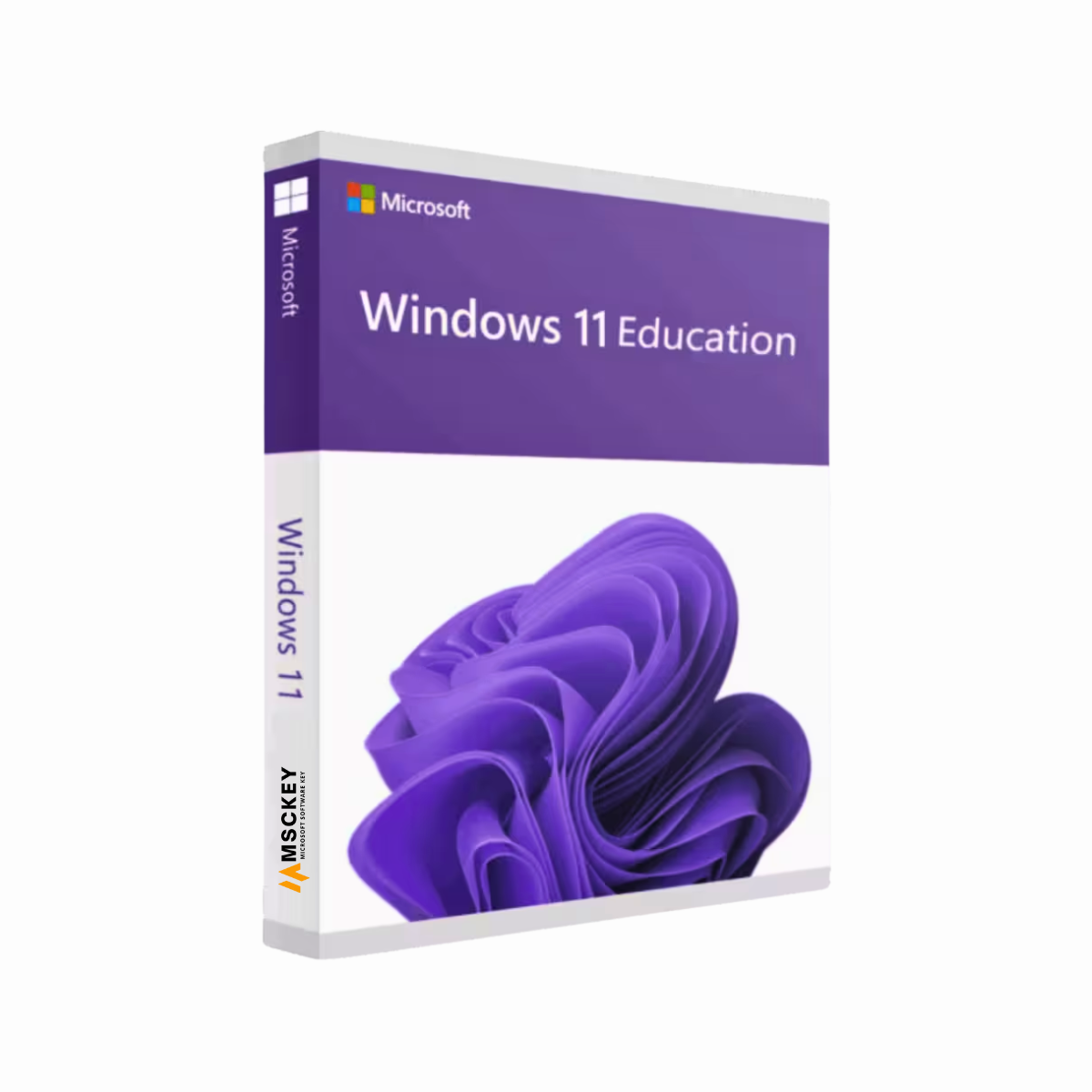
Buy Windows 11 Education Key (5PC) for Students
Windows 11 Education is a specialized edition of Microsoft’s newest Windows operating system for students. This edition is designed for education environments, including schools, universities, and learning sectors. It includes powerful security, modern collaboration tools, and productivity features for students, teachers, and institutions. They support both in-class and remote learning with flexibility. Buy Windows 11 Education keys at a competitive price from Msckey and experience uninterrupted teaching and learning capabilities.
Windows 11 Education Purchase Includes
- Platform: Windows
- Edition: Education
- Device: 5 PC/Devices
- License Type: Retail
- License Duration: Lifetime
- Activation Method: Online Activation
- Delivery: Instant digital delivery via email
- Support: Email and remote assistance with multi-language support
What’s New in Windows 11 Education?
Microsoft has improved features in Windows 11 Education for better effectiveness and compatibility with academic environments. Let’s explore them:
Modern User Interface
Windows 11 Education introduces a redesigned taskbar, centered Start Menu, and rounded corners to the interface. It ensures a modern and user-friendly interface for both beginner and expert users in the education sector.
Snap Layouts and Virtual Desktops
Microsoft improved Snap Layouts in Windows 11 Education for organizing and managing multiple windows on an academic desktop. It allows open applications to predefined patterns automatically without resizing or minimizing windows frequently on your desktop. Therefore, Virtual Desktop enables you to create separate workspaces to perform different tasks on your desktop.
Optimized Performance
Windows 11 is built on the solid foundation of its previous versions and ensures faster boot times and better resource management, which are compatible with older devices.
Microsoft Teams Integration
Microsoft integrates Teams in Windows 11 for better communication through chat, audio calls, and video conferencing. This improved collaboration between teachers, students, and others for creating greater outputs.
Education Tools
Windows 11 Education provides access to Microsoft education-focused apps and services, which accelerate learning and creativity. This Windows edition includes modern features, productivity tools, and enhanced performance for education environments.
Comparison Between Windows 11 Education vs Pro
Microsoft released Windows 11 Pro and Windows 11 Education for different users. So, compare the features between them and make an informed decision before purchase:
| | |
| Professionals and small businesses | |
| | |
| | |
| | |
Advanced Security Features | | Widows Defender, Advanced Threat Protection, and Credential Guard |
| Supports Microsoft Intune | Supports Microsoft Intune, plus other endpoint management solutions |
Key Features of Windows 11 Education
There are multiple key features available in Windows 11 Education. It provides essential features that are effective for educational institutions. Look at these:
- Education Theme: Windows 11 Education includes education themes for students to use devices in schools. It makes devices more engaging and easier for learning.
- Multi-App Kiosk: This is an excellent setting that can set up a custom Start menu for educational institutions with only allowed applications. It helps manage classrooms that keep students focused.
- Windows Hello for Business: Microsoft added Windows Hello for Business in Windows 11 Education to improve security for educational institutions. It allows strong authentication methods, including peripheral face and fingerprint sensors for better protection.
- Cybersecurity: Windows 11 has strong cybersecurity tools to protect educational devices and data. It ensures privacy and compliance for students, educators, and educational institutions.
- AI Capabilities: Microsoft added AI capabilities in Windows 11 Education with AI resources and free tools for education. This feature expands learning capabilities for both students and educators with AI capabilities.
How to Activate Windows 11 Education?
It’s easy to Windows 11 Education download, install, and activate. Follow this process:
- First, purchase a genuine license key from the Microsoft official website or their authorized sellers, like Msckey.
- Download and install the Windows 11 Education ISO file, which is provided by them.
- Go to Settings > Update & Security > Activation.
- Enter the product key that you received in your email.
- Complete activation by following the processes, and enjoy full access to Windows 11 Education.
Why Buy from Msckey?
Msckey is your trusted destination for buying authentic software and license keys at cost-effective prices. By choosing Msckey, you benefit from:
- Affordable Price: Buy Windows 11 license keys at lower prices than the official website and save a lot without compromising quality.
- Genuine License: Get only original license keys with official updates and full features.
- Instant Email Delivery: No more waiting, receive the license key instantly via email after your payment.
- Easy Activation Guidelines: Complete instructions to download, install, and activate the software
- Secure Payments: Make your payment securely through our multiple renowned payment methods.
- Free Technical Support: Our experienced technical support team assists users with quick responses and guidance 24/7.
System Requirements for Windows 11 Education
When you want to install Windows 11 Education, your device must have the following system requirements:
Processor: At least 1 GHz or faster with 2 or more cores
Memory: 4 GB or more
Storage: 64 GB of available space in the disk space
Graphics Card: Compatible with DirectX 12 or later, WDDM 2.0 driver
TPM: Trusted Platform Module 2.0 version
System Firmware: UEFI, Secure Boot capable
Display: HD display (720p), 8 bits per color channel, and 9” monitor or larger
Additional Requirements: Internet connection and a Microsoft account
Get Windows 11 Education keys today from Msckey and enjoy a secure, trusted, and perfect OS for teaching and learning. Order now to start an advanced learning experience with Windows 11 Education.