


Zoom
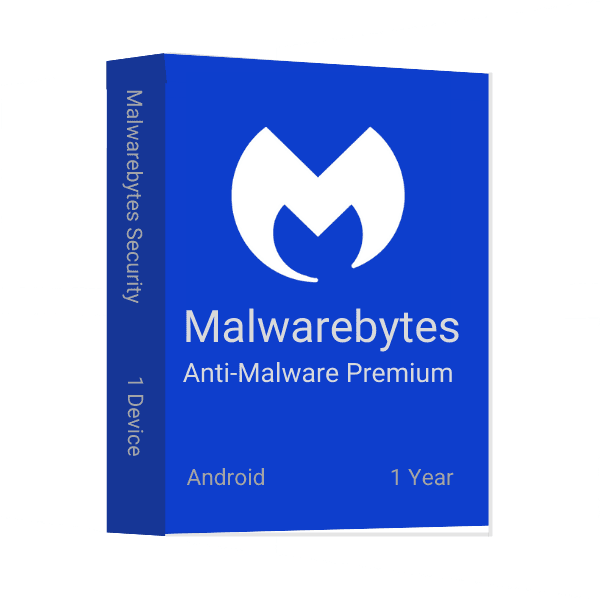
When you're using your Android device, it's important to use a security app that can detect and remove malicious software. Malwarebytes Anti-Malware Premium for Android is one of the most popular and effective security apps on the market, and we've got a special deal for you!
Malwarebytes is a popular anti-malware application for Android. It helps protect your device from malware and other malicious threats. Malwarebytes is available as a free app, and it also offers premium features that are available for purchase. One of the main benefits of using Malwarebytes is that it can detect and remove malware even if you don't have access to the internet. Plus, its real-time protection means that you'll always be up-to-date on the latest threats. If you're looking for an effective way to keep your Android device safe from malware, Malwarebytes is a great option.
Malwarebytes is one of the leading anti-malware software companies. They offer a wide variety of products to protect your devices from malicious software. Malwarebytes has three primary types of products: Anti-Malware, Protection, and Security. Anti-Malware removes the majority of the malware on your device, Protection shields your device from future infection, and Security keeps your device safe by blocking malicious websites and protecting your data.
Each type of Malwarebytes has its own set of benefits and drawbacks. Anti-Malware is great for removing the majority of the malware on your device, but it can't stop all infections. Protection can help shield you from future infections, but it can slow down your device. Security is the best option for keeping your device safe from malicious websites and protecting your data.
Malwarebytes Anti-Malware Premium for Android includes the full version of Malwarebytes Anti-Malware as well as the latest version of its companion app, Malwarebytes Anti-Rootkit. The app also includes features specific to Android devices, such as real-time scanning and protection against hidden threats. In addition, the app provides a wealth of information about the security and protection offered by Malwarebytes Anti-Malware.
Malwarebytes for Android is an app designed to protect Android devices from viruses and malware. Follow the instructions in this article to download and install the app on Android devices. These steps also apply to reinstallation in case of an accidental uninstall.
Malwarebytes Anti-Malware Premium for Android is a great app for detecting and removing malware from your device.
At Msckey, we sell 100% digital software license keys. There is no physical product and no physical shipping involved. Please read this policy carefully before placing your order.
All products sold on Msckey.com are digital license keys delivered via email. Once your payment is confirmed, your license key(s) will be sent to the email address you provided at checkout.
If you have not received your license key within 24 hours of your confirmed payment, please contact us at support@msckey.com and we will resolve it promptly.
Because our products are digital license keys, our refund policy works differently from physical goods. Please read the following carefully before completing your purchase.
You may request a full refund before your license key has been sent to you. If you change your mind after placing an order and the key has not yet been delivered, please contact our support team as soon as possible and we will process your refund.
Once a license key has been sent to your email, the order is considered fulfilled and is strictly non-refundable. This applies regardless of whether the key has been activated or not. Once delivered, the key is in your possession and cannot be returned like a physical item.
Once a license key has been activated or used on any device or account, it is non-refundable under any circumstances, with no exceptions.
We stand behind the quality of our products. If you receive a key that does not work or is invalid, please contact our support team within 30 days of purchase with the following information:
We will investigate and, if the issue is verified on our end, provide you with a replacement key or issue a refund at our discretion.
If you have any questions about your order, delivery, or this policy, please do not hesitate to reach out to our support team:
Our support team is available to assist you and will respond as quickly as possible.
Last updated: June 2026. Msckey reserves the right to update this policy at any time. Any changes will be reflected on this page.
Wishlist is empty.

