

Windows 10 vs Windows 11: Which OS Should You Use in 2026?

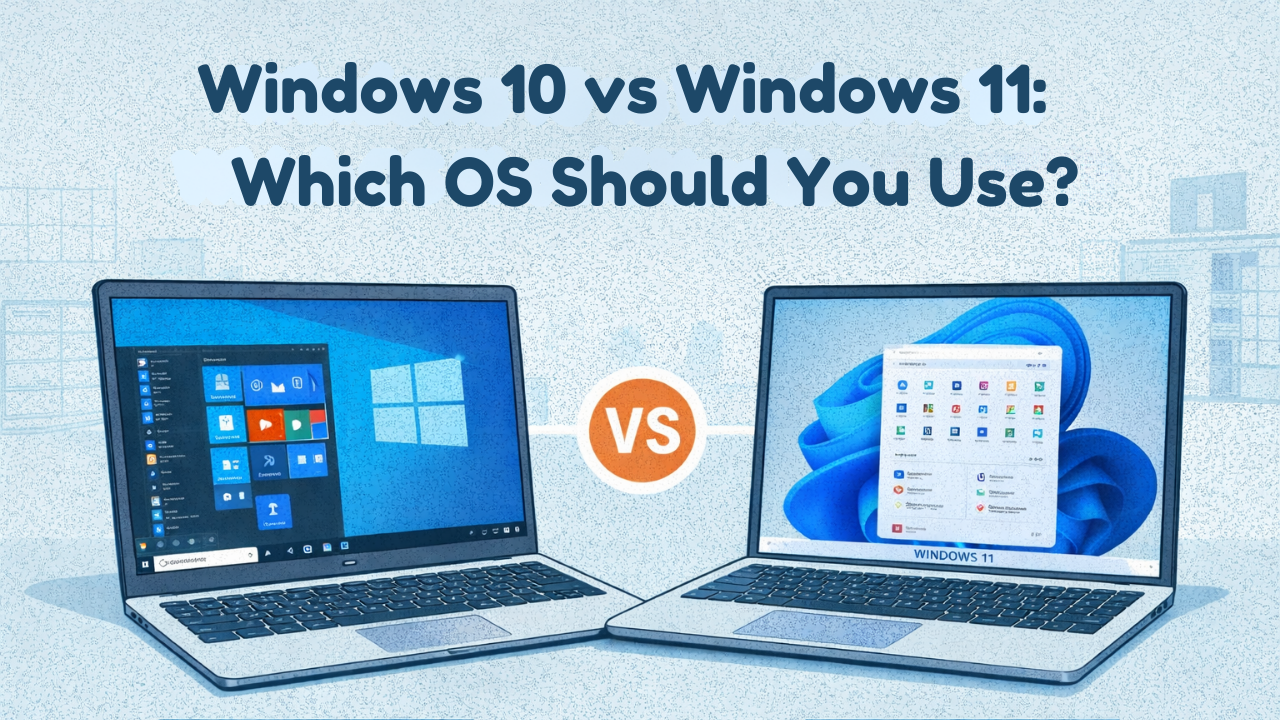
As we are in 2026, Windows users are concerned about whether to stay on Windows 10 or upgrade to Windows 11. Windows 10 ended support on October 14, 2025. It is now more vulnerable to hackers and phishing sites. Therefore, choosing the best Windows operating system is essential for remaining secure, productive, and for long-term use. This article provides a simple and clear comparison of Windows 10 vs Windows 11. It explains who can stay with Windows 10 and who can upgrade to Windows 11. Also, offers a final recommendation to help you choose the right OS for your needs.
Windows 10 End of Support: What does it mean?
Windows 10 reached end of support on October 14, 2025. After that, Windows 10 won’t receive the following benefits:
- Security updates
- Feature updates
- Bug fixes
- Driver or compatibility enhancements
However, Windows 10 doesn’t immediately become vulnerable after the end of life; it becomes more vulnerable over time. As you stop receiving security updates and so on, your system becomes significantly exposed to cyberattacks and malware risks. Windows 10 stopped supporting new apps and games this year, which means compatibility issues will rise further.
Windows 11 Overview
Windows 11 is the latest operating system from Microsoft. Offering advanced features and benefits. It has a better Start Menu with a centered taskbar and improved multitasking features like Snap Layouts. The best gaming features, including DirectStorage and Auto HDR. There is TPM 2.0 for better security, AI-powered Copilot, and more. If you want your OS to be updated, stable, and optimized, Windows 11 is the best OS for you.
Windows 10 vs Windows 11: Which OS Should You Use in 2026?
There are many core differences between Windows 10 and 11. Here, we include a side-by-side comparison to help you decide which OS version is best in 2026. Let’s delve into the differences:
User Interface and Design
Windows 10 has a classic UI with live tiles, including a traditional taskbar and Start menu. It provides a familiar interface to those who prefer simplicity and consistency. On the other hand, Windows 11 brings multiple changes in the user interface and designs, like a centered taskbar, rounded corners, enhanced touch, and multitasking capabilities. So, Windows 11 ensures modern designs and better productivity.
Performance and Compatibility
In terms of performance and compatibility, Windows 10 is compatible with older hardware, and it requires fewer system requirements. Alternatively, Windows 11 is compatible with newer hardware with TPM 2.0 and Secure Boot. Windows 11 has enhanced security and speed that improve overall performance.
Security Features and Privacy Enhancements
Windows 10 has already reached its end of support, so it won’t receive any security patches, bug fixes, or updates, and becomes vulnerable to hackers or threats. However, Windows 11 enhances security features and privacy, such as TPM 2.0, Virtualization Based Security (VBS), and Secure Boot. So, Windows 11 is clearly the best choice if you want to be secure all the time.
Compatibility with App Support
Windows 10 is compatible with older applications due to its broad compatibility features and lower system requirements. On the other hand, Windows 11 focuses on the latest app support and modern software compatibility. Though Windows 11 has limited compatibility with older hardware.
Productivity and Multitasking Features
Windows 10 features Snap Assist, Task View, and virtual desktops for multitasking and productivity. However, Windows 11 enhances productivity features with improvements, including Snap Layouts, Snap Groups, and multiple desktop management.
Update and Support Lifecycle
Windows 10 ended support on October 14, 2025. So, upgrading from Windows 10 to 11 is highly recommended. Windows 11 has a longer lifecycle with regular updates from Microsoft. This makes the operating system secure for a long time.
Let’s see a Windows 10 vs Windows 11 short comparison below:
Features | Windows 10 | Windows 11 |
User Interface and Design | Classic user interface and design | Modern user interface and centered taskbar with a new design |
Security Features | Basic security features | Advanced security with TPM 2.0, VBS, and Secure Boot |
Compatibility and App Support | Broad Compatibility with older hardware and applications | Compatible with newer hardware and modern app support |
Productivity and Multitasking Capability | Snap Assist, Task view, and basic virtual desktops | Improved Snap Layout, Snap Group, and multiple desktop management |
Upgrade, Support, and Lifecycle | Reached the end of life | Support up to 2031 |
Windows 10 and Windows 11 Pros & Cons
Both Windows 10 and 11 have pros and cons that users must know before installing or upgrading. Take a look:
Windows 10 Pros & Cons
Pros | Cons |
Familiar user interface with stable performance | Already ended support on Oct 14, 2025 |
Compatible with older hardware | Stop receiving official security patches |
Efficient multitasking features to enhance productivity | Limited support for new applications and games |
Provide strong security, including built-in protection | Higher risks for cyberattacks and malware |
Allows running multiple applications simultaneously |
Windows 11 Pros & Cons
Pros | Cons |
Modern user interface with enhanced productivity | Stricter hardware requirements, such as TPM, Virtualization-based security (VBS), and Secure Boot |
Advanced security features, including TPM, Secure Boot Support | Limited compatibility with older hardware |
Enhanced gaming and graphics capabilities | Removed or changed some Windows 10 features, including Timeline and taskbar customizations. |
Deeper integration with Microsoft Cloud Tools |
Who Can Use Windows 10 in The Future?
Although upgrading from Windows 10 to 11 is recommended, some users can’t upgrade yet. Learn who can stay with Windows 10 in 2026 and beyond:
- If your computer doesn’t have TPM 2.0 or an older CPU, remaining on Windows 10 is the only option.
- When using Windows 10 in offline mode or rarely connecting to the internet, staying with Windows 10 is safe.
- Whether buying a new laptop or desktop, choosing to remain with Windows 10 temporarily is the perfect decision.
Who Can Upgrade to Windows 11 from Windows 10?
Upgrading to Windows 11 is recommended, but here are a few reasons you need to upgrade.
- Windows 11 offers strong security features that protect your device from various attacks and threats. Therefore, upgrading to Windows 11 ensures enhanced security.
- Businesses or professionals who require better security, productivity, and long-term support lifecycle.
- If you want better gaming performance, Windows 11 includes DirectStorage, Auto HDR, and DirectX 12, making the upgrade worthwhile.
- Windows 11 ensures long-term support till 2031, so upgrading is the perfect solution.
Recommendation for Windows 10 and Windows 11 Users
After comparing Windows 10 vs Windows 11, Windows 11 is undoubtedly the best in terms of performance and long-term support for individuals, gamers, and professionals. However, Windows 10 has been a modern OS for years, but after the end of support leaves it vulnerable to hackers. To remain safe, it is a smart decision upgrading to Windows 11 from 10 (if your device meets the requirements). You can also buy a new Windows 11 license key from Msckey at an affordable price. This is a wise choice for the future.
Ending Words
Windows 10 has been a well-known operating system for more than a decade, but it has now reached its end of life. Windows 11 provides strong security, better productivity, and great support for those who want to enjoy the best and smooth performance of Windows OS. If your PC has Windows 10 installed, which is compatible with Windows 11, upgrade today!


