
Zoom
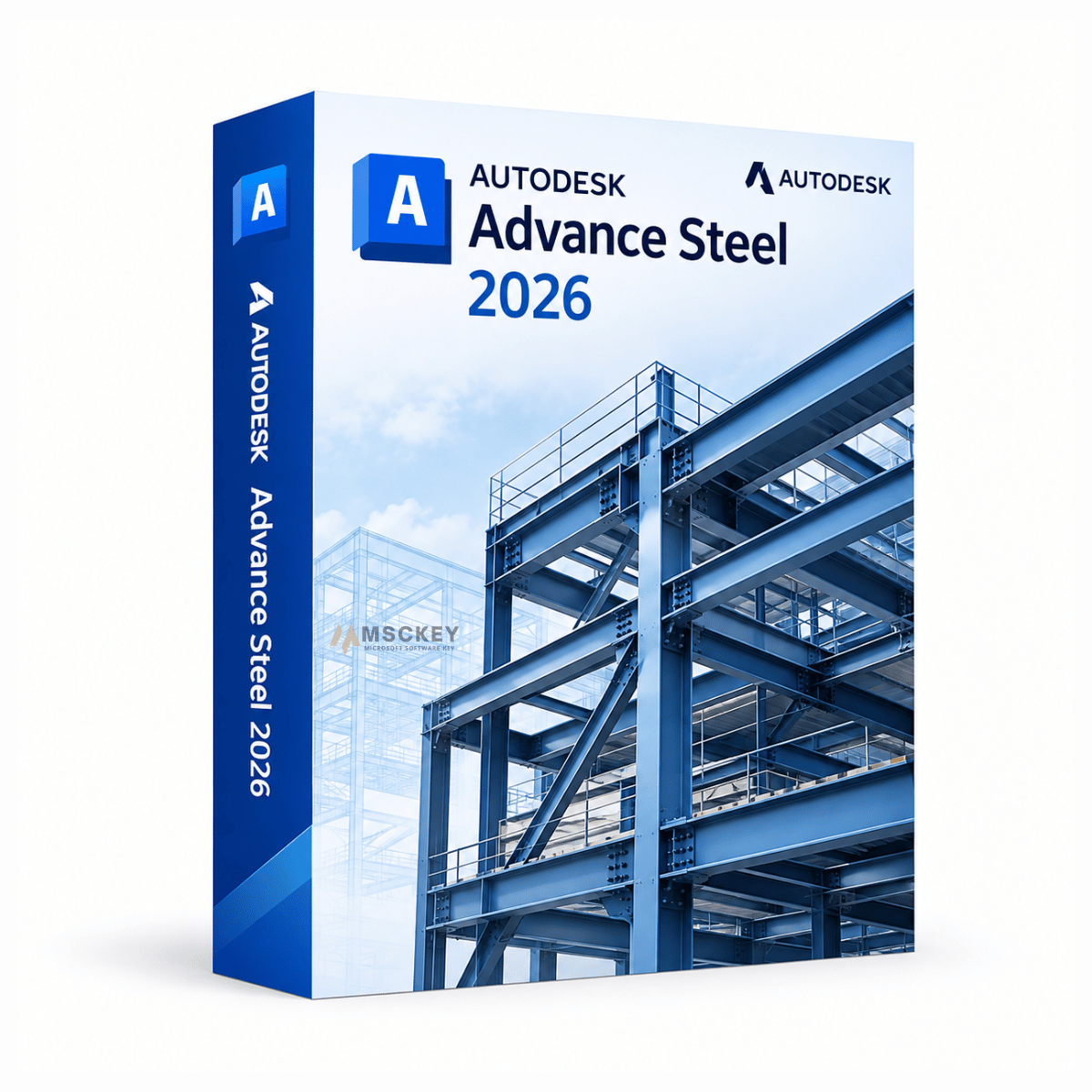
Educatieve programmaversie, compleet met alle functies. Het product heeft geen identificerend watermerk en geen verwijzingen naar de educatieve versie in de documenten.
Autodesk Advance Steel 2026 is een speciale toepassing voor 3D-detaillering van staalconstructies, gebouwd op het AutoCAD 2026-platform. Constructeurs, staaltekenaars en staalbouwers gebruiken het om staalframes te modelleren met intelligente parametrische onderdelen en verbindingen, en om vervolgens rechtstreeks vanuit dat model productietekeningen, CNC-gegevens en stuklijsten te genereren. Dit aanbod betreft een licentie voor één apparaat voor één jaar voor Windows, per e-mail geleverd door Msckey.
Advance Steel automatiseert de onderdelen van staaldetaillering die u met algemene CAD-tools handmatig moet doen. In plaats van elke verbinding te tekenen, beschikt de software over een bibliotheek met parametrische constructie-elementen, zoals liggers, kolommen, schoren, knoopplaten, voetplaten, trappen, leuningen en kooiladders, die zich automatisch aanpassen aan de omringende geometrie.
De workflow loopt van begin tot eind:
3D-constructiemodellering: modelleer het volledige staalframe met intelligente onderdelen die verbonden elementen bijwerken wanneer u een profielmaat of lengte wijzigt.
Geautomatiseerde verbindingen: plaats verbindingen met hoekstaal, kopplaten, voetplaten, knoopplaten en momentvaste verbindingen vanuit een vooraf geconfigureerde bibliotheek, waarbij verbindingspropagatie een gedefinieerde verbinding toepast op elke vergelijkbare situatie in het model.
Tekeningen genereren: maak overzichtstekeningen, onderdeeltekeningen en samenstellingstekeningen vanuit het model, met revisiewolken om wijzigingen in werkplaatstekeningen bij te houden.
CNC-productiegegevens: genereer NC-bestanden voor boorstraten, uitklinkmachines, plaatsnijmachines en zagen, zodat handmatige herinvoer in de werkplaats overbodig wordt.
Stuklijsten en rapportage: genereer materiaallijsten, zaaglijsten en boutlijsten die met het model worden bijgewerkt en via KISS, XML of IFC kunnen worden geëxporteerd naar MIS- en calculatiesystemen.
Interoperabiliteit: synchroniseer met Revit en Robot Structural Analysis, en breng modellen naar Navisworks voor botsingsdetectie en coördinatie.
Wij zien liever dat u de juiste versie koopt dan de nieuwste, dus hier is de eerlijke stand van zaken.
In maart 2023 kondigde Autodesk aan dat Advance Steel in onderhoudsmodus zou gaan, met de mededeling dat het stopte met de ontwikkeling van nieuwe functies in het product om zijn inspanningen op het gebied van staal te richten op zijn BIM- en samenwerkingsplatforms. Dat beleid is niet teruggedraaid. Releases sindsdien, inclusief 2026, leveren platformupdates, stabiliteitsverbeteringen, beveiligingspatches en interoperabiliteitsoplossingen in plaats van nieuwe mogelijkheden voor staaldetaillering.
Dat betekent niet dat Advance Steel onbruikbaar is of niet wordt ondersteund. Het blijft een volwassen, complete detailleringstool van productiekwaliteit, en de volledige hierboven beschreven functieset is intact in de release van 2026. Het betekent wel dat u uw versie om praktische redenen moet kiezen in plaats van een sprong in functionaliteit te verwachten.
Koop de software Advance Steel 2026 als:
Blijf bij uw huidige versie als:
Eerdere releases van 2022 tot en met 2025 zijn beschikbaar op onze pagina voor het kiezen van een Advance Steel-versie als u moet aansluiten op een bestaande projectstandaard.
De release van 2026 is een platform- en onderhoudsupdate. De belangrijkste gebieden van verandering:
Overname van het AutoCAD 2026-platform: omdat Advance Steel op AutoCAD draait, werken de verbeteringen in graphics en navigatie die in AutoCAD 2026 zijn geïntroduceerd, hierin door. Dit is het meest merkbare verschil in het dagelijks gebruik voor iedereen die werkt met grote frames met meerdere verdiepingen of constructies met grote overspanningen.
Verbeteringen aan de Revit-extensie: de Advance Steel Extension for Revit voegt de overdracht toe van onderdeel- en samenstellingsmerken van Advance Steel naar het Revit-model, wat bedrijven met parallelle Revit- en Advance Steel-workflows helpt om verschillen in merken tussen beide te voorkomen.
Correcties in IFC-export: gerichte nauwkeurigheidsoplossingen voor C-profielen en koudgevormde gordingprofielen, die voorheen met onjuiste geometrie werden geëxporteerd en verderop in het proces coördinatieproblemen veroorzaakten.
Stabiliteits- en beveiligingsupdates: de tussentijdse releases van 2026 bevatten updates van beveiligingsbibliotheken, stabiliteitsverbeteringen in Navisworks bij het openen van projecten met Advance Steel-elementen, en oplossingen voor de export van stuklijsten, de verwerking van DWG en de SMLX-uitwisseling.
AutoCAD is een algemeen 2D- en 3D-CAD-platform. Advance Steel is gebouwd op AutoCAD. Het voegt een complete omgeving voor staalconstructies toe met een parametrische staalbibliotheek. Daarnaast bevat het geautomatiseerde verbindingen, een engine voor productietekeningen, CNC-uitvoer en stuklijsttools. U krijgt het AutoCAD-platform plus de toolset voor staalbouw, maar Advance Steel is geen vervanging voor AutoCAD bij algemeen tekenwerk.
Bedrijven die architectonische en constructieve BIM doen in plaats van productiedetaillering, kunnen beter kijken naar Autodesk Revit 2026, de ontwerppartner naast de detailleringsrol van Advance Steel.
| Onderdeel | Minimaal | Aanbevolen |
|---|---|---|
| Besturingssysteem | 64-bit Windows 10 of Windows 11 | 64-bit Windows 11, volledig bijgewerkt |
| Processor | 2,5–2,9 GHz. ARM niet ondersteund | 3,0 GHz+ basis, 4,0 GHz+ turbo |
| Geheugen | 8 GB | 32 GB of meer voor grote modellen en puntenwolken |
| Videokaart | 2 GB GPU, DirectX 11, 29 GB/s bandbreedte | 8 GB GPU, DirectX 12, 106 GB/s bandbreedte |
| Schermresolutie | 1920 x 1080 True Color | Tot 3840 x 2160 (4K) |
| Schijfruimte | 10 GB, SSD aanbevolen, plus 1 GB schijfcache | 16 GB plus 1 GB schijfcache, NVMe SSD |
| .NET | .NET 8 | .NET 8 |
| Internet | Vereist voor activering | Breedband voor samenwerking in de cloud |
Nee. Autodesk verkoopt Advance Steel uitsluitend als abonnement. Dit aanbod betreft een looptijd van 1 jaar voor 1 apparaat. Een verkoper die een Advance Steel-licentie als "levenslang" of "verloopt niet" omschrijft, beschrijft niet het licentiemodel van Autodesk.
Eén Windows-pc. Hebt u extra licenties nodig, neem dan vóór uw bestelling contact met ons op in plaats van meerdere losse sleutels te kopen, want wij kunnen u adviseren over de juiste optie.
Nee. Advance Steel is alleen voor Windows en ARM-processors worden niet ondersteund.
Ja, via de Advance Steel Extension for Revit, die een bidirectionele workflow ondersteunt tussen constructiemodellen in Revit en detailleringsmodellen in Advance Steel. Overeenkomende versies zijn hier belangrijk. Combineer het met Revit 2026 voor de soepelste workflow.
Niet betrouwbaar. Zoals bij de meeste Autodesk-producten worden bestanden die in een nieuwere release zijn opgeslagen mogelijk niet correct geopend in eerdere versies. Stem uw versie af op die van uw samenwerkingspartners voordat u aan een project begint.
Autodesk heeft Advance Steel in maart 2023 in onderhoudsmodus gezet, wat betekent dat releases zich richten op stabiliteit, beveiliging en platformcompatibiliteit in plaats van op nieuwe functies. De software blijft jaarlijkse releases en tussentijdse updates ontvangen. Als functieontwikkeling op lange termijn belangrijk is voor de toolkeuze van uw bedrijf, houd daar dan rekening mee voordat u zich vastlegt op een meerjarige workflow rond deze software.
Neem contact op met ons supportteam met uw ordernummer en een screenshot van de foutmelding. Ondersteuning is gratis bij uw aankoop — u bereikt ons via de contactpagina of via support@msckey.com. Let op: sleutels worden na levering niet terugbetaald, dus controleer eerst de compatibiliteit; zie ons verzend- en retourbeleid.
Bij McKeyWij verkopen 100% digitale softwarelicentiesleutels. Er is geen fysiek product en er vindt geen fysieke verzending plaats. Lees dit beleid aandachtig door voordat u uw bestelling plaatst.
Alle producten die op Msckey.com worden verkocht, zijn Digitale licentiesleutels worden per e-mail verzonden.Zodra uw betaling is bevestigd, worden uw licentiesleutel(s) naar het e-mailadres gestuurd dat u bij het afrekenen hebt opgegeven.
Als u uw licentiesleutel niet binnen 24 uur na uw bevestigde betaling heeft ontvangen, neem dan contact met ons op via support@msckey.com En we zullen het snel oplossen.
Omdat onze producten digitale licentiesleutels zijn, is ons retourbeleid anders dan voor fysieke producten. Lees het volgende aandachtig door voordat u uw aankoop voltooit.
U kunt een volledige terugbetaling aanvragen. voordat uw licentiesleutel naar u is verzondenAls u na het plaatsen van uw bestelling van gedachten verandert en de sleutel nog niet is geleverd, neem dan zo snel mogelijk contact op met onze klantenservice. Wij zullen uw terugbetaling dan verwerken.
Zodra de licentiesleutel naar uw e-mailadres is verzonden, De bestelling wordt als voltooid beschouwd en is strikt niet-restitueerbaar.Dit geldt ongeacht of de sleutel al dan niet is geactiveerd. Zodra de sleutel is geleverd, is deze in uw bezit en kan deze niet worden geretourneerd zoals een fysiek product.
Zodra een licentiesleutel is geactiveerd of gebruikt op een apparaat of account, is deze onder geen enkele omstandigheid restitueerbaar, zonder uitzonderingen.
Wij staan achter de kwaliteit van onze producten. Als u een sleutel ontvangt die niet werkt of ongeldig is, neem dan contact op met onze klantenservice. binnen 30 dagen na aankoop met de volgende informatie:
We zullen de zaak onderzoeken en, als het probleem aan onze kant wordt bevestigd, u naar eigen inzicht een vervangende sleutel verstrekken of een terugbetaling uitvoeren.
Mocht u vragen hebben over uw bestelling, levering of dit beleid, neem dan gerust contact op met onze klantenservice.
Ons supportteam staat klaar om u te helpen en zal zo snel mogelijk reageren.
Laatst bijgewerkt: juni 2026. Msckey behoudt zich het recht voor dit beleid op elk moment bij te werken. Eventuele wijzigingen worden op deze pagina weergegeven.
Wishlist is empty.

