
Zoom
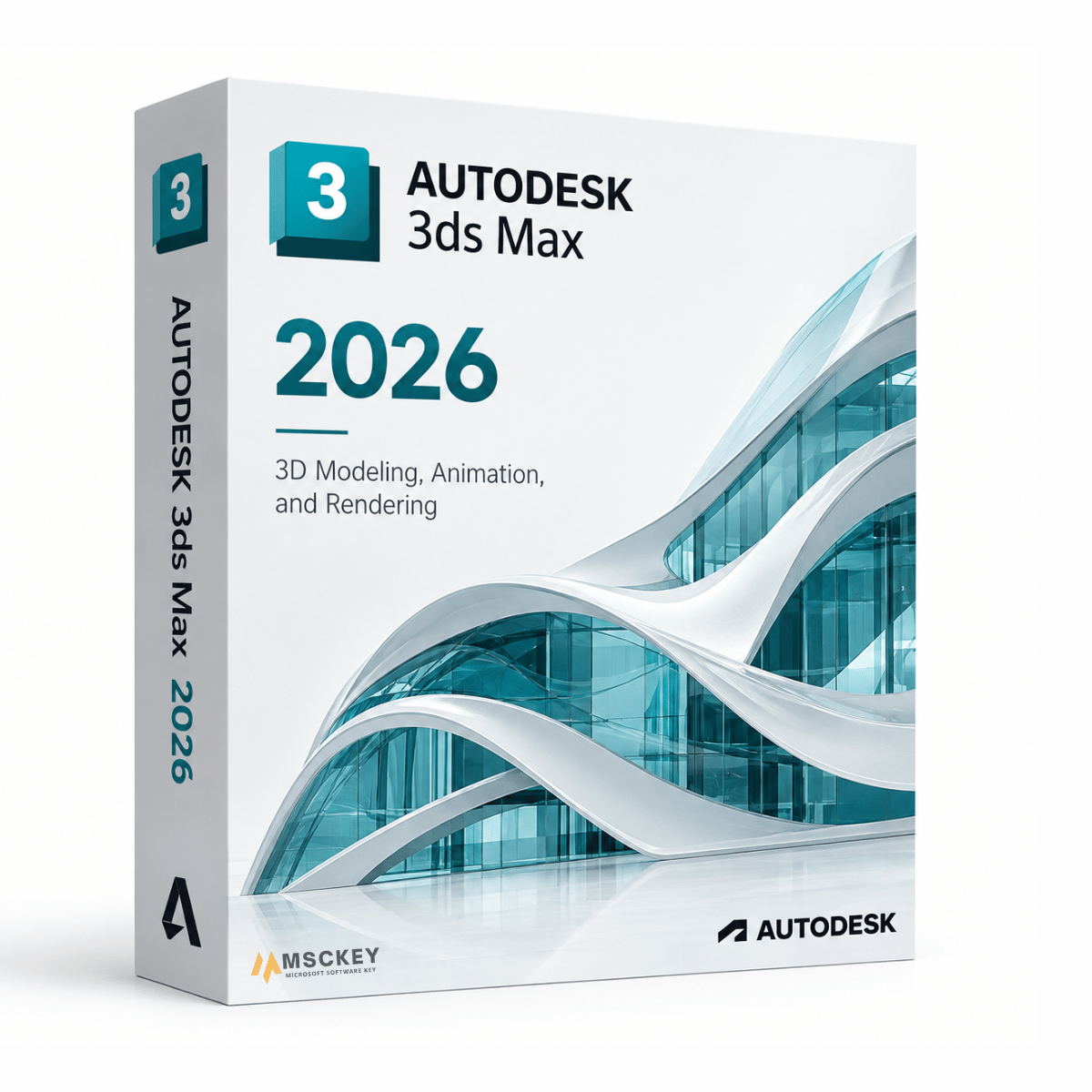
Educatieve versie van het programma, compleet met alle functies. Het product heeft geen watermerk of identificatiekenmerk, en de documenten bevatten geen verwijzingen naar de educatieve status.
Autodesk 3ds Max 2026 is de nieuwste versie van de 3D-modellerings-, animatie- en renderingsoftware van Autodesk voor Windows. Game-artists, studio's voor architectuurvisualisatie, VFX-teams en productontwerpers gebruiken 3ds Max om gedetailleerde 3D-assets te bouwen, te animeren en beelden van productiekwaliteit te renderen. De 2026-release is een verfijningscyclus: een nieuw standaardmateriaal, aanzienlijke prestatieverbeteringen voor modifiers en een diepere integratie van USD en Arnold, in plaats van een volledig herbouwde toolset. Kies hieronder een licentie voor 1 of 3 jaar en ontvang uw sleutel per e-mail.
Game-assets maken: modelleren, UV-werk en texturing voor real-time engines, met exportpipelines naar Unreal en Unity.
Architectuurvisualisatie: gebouwmodellen omzetten in fotorealistische stills en walkthroughs, vaak in combinatie met Autodesk Revit 2026 voor het onderliggende BIM-model.
Animatie en rigging: personage-animatie via CAT en Biped, met de Skin-modifier voor deformatie.
VFX en motion graphics: deeltjes, vloeistoffen en procedurele effecten voor film en televisie.
Product- en industriële visualisatie: renders met hoge getrouwheid van gefabriceerde onderdelen en assemblages.
De 2026-release richt zich op materiaalstandaarden, de snelheid van modifiers en interoperabiliteit binnen de pipeline. Dit zijn de wijzigingen die invloed hebben op het dagelijkse werk, gebaseerd op de officiële What's New-documentatie van Autodesk:
Dit is de belangrijkste wijziging en degene die het meest waarschijnlijk invloed heeft op uw bestaande scènes. OpenPBR is een opensource-shadingmodel dat samen met Adobe is ontwikkeld, bedoeld als uniforme opvolger van Autodesks Standard Surface en Adobes Standard Material. Het verbetert het gedrag van sheen, metaalreflectie en anisotropie, wordt geleverd met presets voor echte materialen zoals rubber, glas en cement, en wordt ondersteund door de meegeleverde Arnold-renderer. Het werkt in zowel de Slate als de Compact Material Editor.
Het praktische voordeel is interoperabiliteit: OpenPBR gaat via MaterialX en OpenUSD zuiverder over naar andere applicaties. Lees de compatibiliteitsopmerking hieronder voordat u midden in een project upgradet.
De modifiers Array, Boolean, Conform en Displacement en Max Fluids zijn allemaal geoptimaliseerd voor snellere verwerking. Vooral de stabiliteit van Boolean was al lange tijd een klacht bij zware scènes.
Een nieuwe zoekwidget in het Create-gedeelte van het Command Panel, om objecten te vinden zonder de lijst te hoeven doorzoeken.
Een nieuwe schakeloptie die u terugbrengt naar de modifier die u op een object had geselecteerd voordat u naar een ander object klikte. Een kleine wijziging, maar betekenisvol voor iedereen die veel met de modifierstack werkt.
De Vertex Weld-modifier werkt nu zowel op splineobjecten als op meshes.
De USD-ondersteuning krijgt een Layer Editor voor het beheren van USD-lagen. Latere 2026-updates breiden dit verder uit, waaronder het verzenden van objecten uit de 3ds Max-scène naar een USD-stage. Als u in een pipeline met meerdere applicaties werkt, is dit op de lange termijn de meest ingrijpende wijziging in deze release.
De meegeleverde Arnold-integratie voegt een instelling voor de schaduwdichtheid bij transmissie toe voor realistischere schaduwen van glas en transparante objecten, verbeterde Global Light Sampling die rekening houdt met de glans van materialen, en verbeteringen aan Cryptomatte, waaronder GPU-ondersteuning. Latere 2026-updates voegen GPU-toonshading en een interactieve HTML-viewer voor renderstatistieken toe.
Retopology Tools v1.6 verbetert de verwerkingstijd van het basisalgoritme, en het maximale aantal Flow Retopology-cloudtaken is verhoogd naar 50 per maand. Substance for 3ds Max is bijgewerkt naar versie 3.0.5 en later.
Het is goed om hier eerlijk over te zijn, want de materiaalwijziging brengt echte kosten met zich mee.
Upgrade als:
Blijf bij uw huidige versie als:
Eerdere releases van 2022 tot en met 2025 blijven beschikbaar op onze versiekeuzepagina voor Autodesk 3ds Max als u moet aansluiten op de pipeline van een studio.
| Functie | 3ds Max 2026 | 3ds Max 2025 |
|---|---|---|
| Standaardmateriaal | OpenPBR | Physical Material |
| Interoperabiliteit met MaterialX / OpenUSD | Verbeterd | Basisniveau |
| USD Layer Editor | Ja | Nee |
| Prestaties van Array / Boolean / Conform / Displacement | Geoptimaliseerd | Basisniveau |
| Prestaties van Max Fluids | Geoptimaliseerd | Basisniveau |
| Objecten zoeken in het Create-paneel | Ja | Nee |
| Schakeloptie Preserve Stack Position | Ja | Nee |
| Vertex Weld op splines | Ja | Alleen meshes |
| Arnold-versie | 7.4 (MAXtoA 5.8.0) | Eerder |
| Retopology Tools | v1.6, 50 Flow-taken/maand | Eerder |
Nee. Autodesk verkoopt 3ds Max uitsluitend als abonnement, en doet dat al jaren. Een aanbieding die een "lifetime" of "eeuwigdurende" 3ds Max-licentie adverteert, beschrijft niet het licentiemodel van Autodesk. Bij Msckey is 3ds Max 2026 verkrijgbaar met een looptijd van 1 jaar of 3 jaar. De optie van 3 jaar biedt de beste waarde als u weet dat u het blijft gebruiken.
| Onderdeel | Minimaal | Aanbevolen |
|---|---|---|
| Besturingssysteem | 64-bits Windows 10 of later | 64-bits Windows 11 |
| CPU | Intel of AMD multi-core met SSE4.2-instructieset | Multi-core met hoge kloksnelheid |
| RAM | 8 GB | 32 GB of meer voor zware scènes |
| Grafische kaart | Voor 3ds Max gecertificeerde hardware | Gecertificeerde GPU met 8 GB+ VRAM |
| Schijfruimte | 9 GB voor installatie | NVMe-SSD met extra ruimte voor projecten |
| Aanwijsapparaat | Muis met drie knoppen | Muis met drie knoppen |
| Internet | Vereist voor activering en cloudfuncties | Breedband |
3ds Max is alleen beschikbaar voor Windows. Er is geen macOS-versie. Artiesten die op een Mac werken, gebruiken doorgaans Autodesk Maya, dat op beide platforms draait.
Nee. Autodesk verkoopt 3ds Max uitsluitend als abonnement. Dit aanbod omvat looptijden van 1 jaar en 3 jaar.
Ja, 3ds Max 2026 blijft achterwaarts compatibel met projecten uit 2025. Het aandachtspunt zijn de materialen, niet de geometrie — OpenPBR is nu het standaardmateriaal, dus controleer uw look development voordat u een lopend project naar de nieuwe versie overzet.
Nee. 3ds Max is alleen beschikbaar voor Windows. Maya is het platformonafhankelijke alternatief.
Informeer bij elke leverancier van plug-ins voordat u upgradet. 3ds Max-workflows leunen sterk op tools van derden, en ondersteuning van plug-ins voor een nieuwe release komt doorgaans in de weken na de lancering beschikbaar. Houd er ook rekening mee dat 2026 ondersteuning voor .NET 8 introduceerde voor de ontwikkeling van plug-ins, waardoor plug-inmakers hun plug-ins opnieuw moesten bouwen — oudere plug-inbuilds werken dus niet zomaar verder.
Kies dezelfde versie als die zij gebruiken. De compatibiliteit van scènebestanden tussen versies werkt maar in één richting, en een release voorlopen op uw medewerkers veroorzaakt meer problemen dan het oplost.
Ja. 3ds Max wordt geleverd met de MAXtoA-integratieplug-in voor Arnold. Arnold 7.4 is inbegrepen bij de 2026-release.
Neem contact op met ons supportteam met uw ordernummer en een screenshot van de foutmelding via de contactpagina of via support@msckey.com. Ondersteuning is gratis bij uw aankoop. Sleutels worden na levering niet terugbetaald, dus controleer eerst de compatibiliteit. Zie ons verzend- en retourbeleid.
Bij McKeyWij verkopen 100% digitale softwarelicentiesleutels. Er is geen fysiek product en er vindt geen fysieke verzending plaats. Lees dit beleid aandachtig door voordat u uw bestelling plaatst.
Alle producten die op Msckey.com worden verkocht, zijn Digitale licentiesleutels worden per e-mail verzonden.Zodra uw betaling is bevestigd, worden uw licentiesleutel(s) naar het e-mailadres gestuurd dat u bij het afrekenen hebt opgegeven.
Als u uw licentiesleutel niet binnen 24 uur na uw bevestigde betaling heeft ontvangen, neem dan contact met ons op via support@msckey.com En we zullen het snel oplossen.
Omdat onze producten digitale licentiesleutels zijn, is ons retourbeleid anders dan voor fysieke producten. Lees het volgende aandachtig door voordat u uw aankoop voltooit.
U kunt een volledige terugbetaling aanvragen. voordat uw licentiesleutel naar u is verzondenAls u na het plaatsen van uw bestelling van gedachten verandert en de sleutel nog niet is geleverd, neem dan zo snel mogelijk contact op met onze klantenservice. Wij zullen uw terugbetaling dan verwerken.
Zodra de licentiesleutel naar uw e-mailadres is verzonden, De bestelling wordt als voltooid beschouwd en is strikt niet-restitueerbaar.Dit geldt ongeacht of de sleutel al dan niet is geactiveerd. Zodra de sleutel is geleverd, is deze in uw bezit en kan deze niet worden geretourneerd zoals een fysiek product.
Zodra een licentiesleutel is geactiveerd of gebruikt op een apparaat of account, is deze onder geen enkele omstandigheid restitueerbaar, zonder uitzonderingen.
Wij staan achter de kwaliteit van onze producten. Als u een sleutel ontvangt die niet werkt of ongeldig is, neem dan contact op met onze klantenservice. binnen 30 dagen na aankoop met de volgende informatie:
We zullen de zaak onderzoeken en, als het probleem aan onze kant wordt bevestigd, u naar eigen inzicht een vervangende sleutel verstrekken of een terugbetaling uitvoeren.
Mocht u vragen hebben over uw bestelling, levering of dit beleid, neem dan gerust contact op met onze klantenservice.
Ons supportteam staat klaar om u te helpen en zal zo snel mogelijk reageren.
Laatst bijgewerkt: juni 2026. Msckey behoudt zich het recht voor dit beleid op elk moment bij te werken. Eventuele wijzigingen worden op deze pagina weergegeven.
Wishlist is empty.

