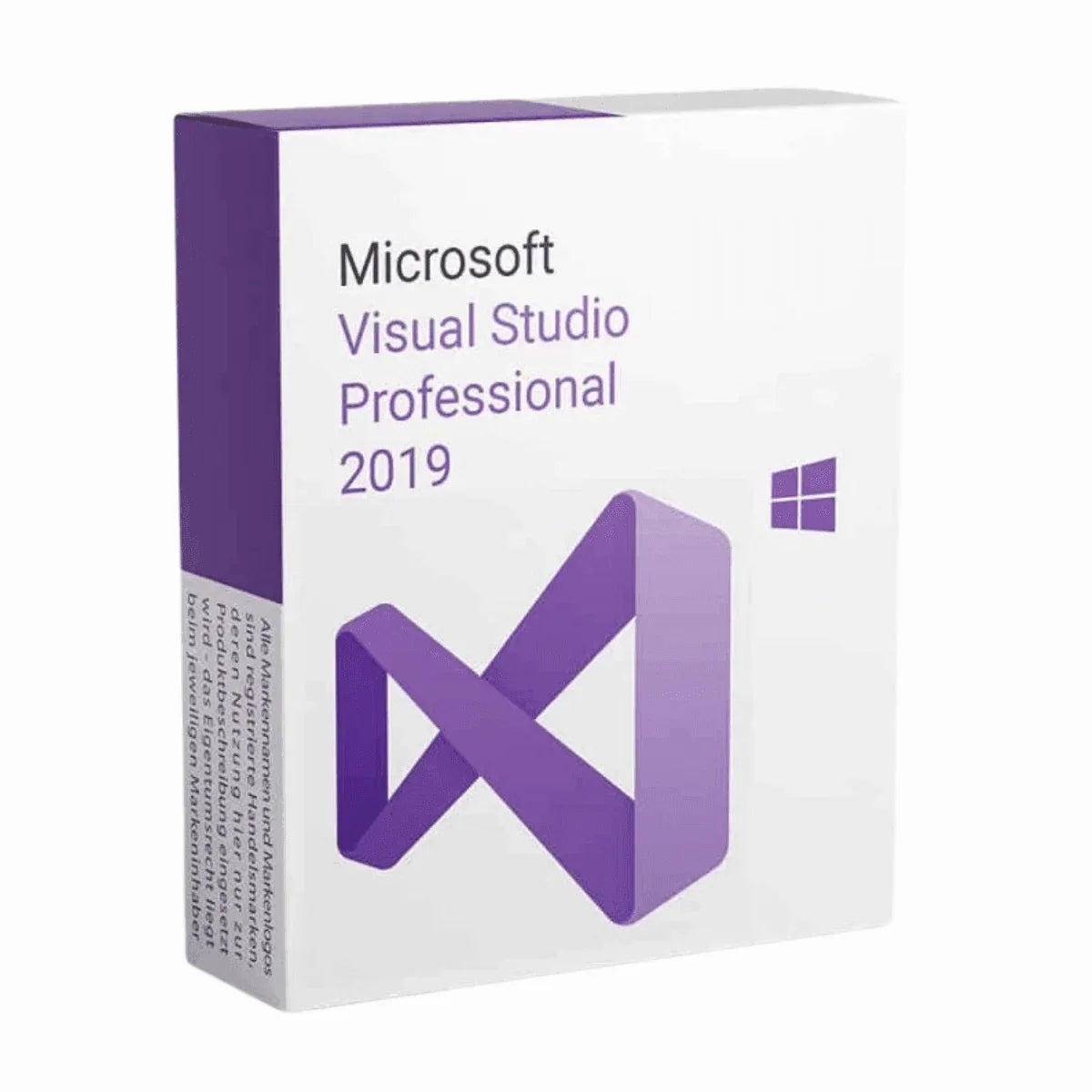
Description
Buy Visual Studio 2019 Professional License Key and Download
How can you be ready to embark your journey into the coding world without a good IDE by your side? How about having a popular IDE software by your side that’s going to help you finish your task quickly and make you learn more? Sounds dreamy, right? Dreams become reality sometimes and so will it with the Visual Studio 2019 Professional developed by Microsoft.
Programming with Visual Studio Professional 2019 is something you wouldn’t want to miss if you’re a programmer. It has got all the facilities you might need to develop software. We’re sure you already know about the Visual Studio 2017 Professional. That was a masterpiece! But this one, the new Visual Studio 2019 Professional surpasses that! However, to prove that we’ll give you a detailed product description on the features and upgrades to make your understanding about Visual Studio 2019 Pro clearer.
Why Should You Use Visual Studio 2019 Professional?
Visual Studio Professional 2019 is an intelligent software development tool. Better and more functional than the popular Visual Studio 2017. Using this, you’ll not only be able to write code more efficiently, but also, identify mistakes, learn theories and syntaxes, and how to remediate the error. It’s a very productive software app, and a best friend to anyone who’s developing any kind of software, be it a large and complex one or small and simplified one.
Let’s take a look at some generic features of Visual Studio 2019 Professional.
Supporting Multiple Programming Languages
- Breadth: Develop in C#, Visual Basic, F#, C++, Python, Java, and more, making it versatile for various project needs.
Rich Code Editing Tools
- IntelliSense: Experience intelligent code completion, parameter info, and member suggestions as you type, boosting your coding speed and accuracy.
- Code Refactoring: Effortlessly restructure your code with features like renaming variables, extracting methods, and rearranging code blocks, improving maintainability.
- Debugging and Diagnostics: Identify and fix bugs efficiently with tools like breakpoints, call stacks, and variable inspection, accelerating development cycles.
Application Lifecycle Management
- Build and Deploy: Build applications for various platforms (desktop, web, mobile) and deploy them seamlessly to target environments.
- Project Management: Organize and manage your codebase effectively with features like project templates, solution explorer, and code search.
Collaboration Tools
- Git Integration: Version control your code and collaborate with other developers using Git repositories and Team Foundation Server.
- Live Share: Collaborate on code in real-time with other developers, regardless of their location, enabling efficient teamwork.
Web Development Tools
- ASP.NET MVC and Core: Build modern web applications using popular frameworks like ASP.NET MVC and ASP.NET Core.
- Node.js Support: Develop server-side applications with JavaScript using Node.js integration.
- Blazor: Create interactive web UIs with C# using the Blazor framework.
Mobile Development Tools
- Xamarin: Develop cross-platform mobile apps for iOS, Android, and Windows using Xamarin libraries and tools.
Game Development Tools
- Unity Integration: Work seamlessly with the Unity game engine directly within Visual Studio.
- DirectX Support: Leverage the DirectX graphics and audio API for high-performance game development.
These are just some of the many generic features of Visual Studio 2019 Pro. While some of the functions may vary in newer versions or any other alternative IDEs, it’d be a very good starting point for you to understand the capabilities of professional development environments.
What’s New in Visual Studio 2019 Professional?
Even though Visual Studio 2019 Professional is a comparatively older software. So, the features got upgraded a lot since then but here are some of the updates and new features you’ll be seeing starting from Visual Studio Pro 2019 than Visual Studio 2017 Professional software.
Productivity Enhancements
- Live Code Analysis: Get real-time feedback on your code as you type, highlighting potential issues like syntax errors and style violations.
- Improved IntelliSense: Gain even more intelligent code completion suggestions and context-aware refactoring options.
- Focus Mode: Minimize distractions and stay focused on your code with adjustable background dimming and temporary notifications silencing.
- Performance Improvements: Experience faster loading times, build speeds, and overall responsiveness compared to VS 2017 Pro.
Development Tool Updates
- C# 8 and 9 Support: Leverage the latest language features like pattern matching, nullable reference types, and top-level statements for cleaner and more concise code.
- ASP.NET Core 2 and 3: Develop modern web applications using the latest versions of the popular ASP.NET Core framework with features like razor pages and enhanced dependency injection.
- Xamarin.Forms Enhancements: Build cross-platform mobile apps with improved performance and new UI controls like master-detail pages and carousel views.
- Live Unit Testing: Run unit tests as you write your code and see the results instantly, enabling a more test-driven development workflow.
Developer Experience Improvement
- Search Improvements: Find what you need faster with enhanced search functionality across code, files, and solutions.
- Error List Updates: Get more informative error messages and quick access to relevant documentation for quicker debugging.
- Visual Studio Installer: Streamlined installation and update process with modular component selection and clearer dependency information.
- Settings Synchronization: Keep your development environment consistent across multiple machines with settings synchronization.
Additional Features
- Git Improvements: Enhanced Git integration with features like branch pull requests and improved conflict resolution.
- Docker Support: Build and deploy containerized applications directly within Visual Studio.
- Azure Integration: Streamlined deployments and management of Azure cloud resources.
- Accessibility Enhancements: Improved support for screen readers and other assistive technologies.
Visual Studio 2019 Professional vs Enterprise
Visual Studio 2019 Professional is designed for individual developers and small teams working on complex applications across multiple platforms. It includes powerful tools for coding, debugging, testing, and DevOps for desktop, web, mobile, and cloud solutions.
Visual Studio 2019 Enterprise, on the other hand, is geared towards larger teams and organizations with advanced application lifecycle management and development operations needs. It builds upon the Professional version with additional capabilities like:
- Lab Management for automating test lab environments
- Architecture tools for analyzing code base dependencies
- Advanced testing tools like coded UI tests and load testing
- Maritime development tools for C++ core editing and debugging
- Reporting tools for agile project tracking and code metrics
The Enterprise edition also unlocks all Visual Studio subscriptions like Visual Studio Test Professional, Visual Studio Lifecycle Hosted Resources, and others.
What are You Getting with Visual Studio 2019 Professional License Key?
The Visual Studio 2019 Pro has got new updates and as a result this software is not available for official download in Microsoft anymore. But Msckey will help you with that. So, you can rest assured Msckey is always here to support you with official licenses and customer support so that you can have a smooth experience in downloading and activating the newly purchased VS 2019 Professional. So, let’s see what stuffs you’ll be getting when you purchase the software –
- The digital license for Visual Studio 2019 Pro for 1 PC
- The download link for the software.
- Guidelines for installation and activation
- Msckey customer support contact details to help you set up your software.
Visual Studio 2019 Pro System Requirements
- Operating System: Windows 7 or newer, Windows Server 2016 or newer.
- Processor: ARM64 or x64 Processor; Quad core or more.
- RAM: At least 2GB; 8 GB is recommended. However, for better performance, you can add more.
- HDD: Free storage 800 MB to 210 GB of available space but on average 20-50 GB of free space is required.
- Additional Requirements: Windows 365 (5vCPU and 16GB of RAM is recommended); and Visual Studio Test Agent (64-bit processor, 2.6 GHz or faster.)
- SSD: It’s not a requirement but it can significantly upgrade your software performance.
- Internet Connection: Internet Connection is required for Cloud services, Real-time collaboration, and downloading new updates.
- Display: 720p (1280 x 720) or higher resolution monitor.
- Video Card: Minimum display resolution of 720p (1280 x 720).
Additional Information
Shipping & Return
Shipping & returns at a glance
- Delivery method: Msckey delivers every order as a digital license key by email. Nothing is shipped physically.
- Delivery time: Most orders arrive within 1 to 24 hours of payment confirmation.
- Shipping fee: None. Digital delivery costs nothing extra.
- Cancel before delivery: You get a full refund.
- Change of mind after delivery: A delivered key cannot be returned for a refund.
- Faulty key: Msckey replaces it. If Msckey cannot supply a working replacement, you get a full refund.
- Refund timing: Refunds go back to your original payment method within 3 to 10 business days.
- Help: Email support@msckey.com with your order number.
How is my order delivered?
Msckey delivers all products as digital license keys sent to the email address you enter at checkout. There is no physical box, disc or shipment.
- You complete payment at checkout.
- Msckey confirms the payment. Some orders go through a security review first, as explained on our Payment page.
- Msckey emails your license key to your checkout email address.
- You check your inbox. If the email is not there, check your spam or junk folder.
How long does delivery take?
Most orders are delivered within 1 to 24 hours after payment confirmation. Delivery can take longer when a payment needs a security review.
If your key has not arrived 24 hours after payment confirmation, email support@msckey.com. Include your order number and the email address you used at checkout.
Is there a shipping fee?
No. Msckey charges no shipping fee on any order because every product is delivered digitally.
Can I cancel my order?
Yes, as long as your license key has not been delivered yet. To cancel:
- You email support@msckey.com with your order number and the word "Cancel" in the subject line.
- Msckey checks whether the key has been sent.
- Msckey cancels the order and refunds the full amount if the key has not been delivered.
Email as soon as possible. Once a key has been delivered, the order counts as fulfilled and can no longer be cancelled.
Can I return a license key after it is delivered?
No. A delivered license key cannot be returned for a change-of-mind refund, whether or not you have activated it.
Why: A license key is digital content. Once it has been emailed to you, it cannot be handed back the way a physical product can.
Your cancellation right: Under UK consumer law, you normally have 14 days to cancel an online purchase. For digital content, that right ends once delivery begins, provided you agreed to immediate delivery and confirmed that you understand you lose the right. By placing an order with Msckey, you agree that we may deliver your key immediately, and you acknowledge that your right to cancel ends once the key is delivered.
What if I bought the wrong product?
Check the product name, version, edition and number of devices before you pay. Also check that the software supports your operating system. If you are unsure, email support@msckey.com before you buy.
If you notice a mistake before your key is delivered, cancel the order using the steps above for a full refund. Once a key has been delivered, a wrong-product purchase is treated as a change of mind and is not refundable.
What if my license key does not work?
A faulty key is a key that the software publisher's activation system rejects as invalid, blocked or already used, when you enter it for the product you ordered on a supported system.
Msckey replaces faulty keys. To report one:
-
You email support@msckey.com with:
- your order number
- a screenshot of the activation error message
- your device and system details, such as your Windows version
- Msckey checks the key and the error.
- Msckey sends you a replacement key if the key is confirmed faulty.
- Msckey refunds you in full if it cannot supply a working replacement.
Report a faulty key as soon as you find the problem. Some activation errors can be fixed without a new key. For example, Office can often be activated by phone when online activation fails; our guide on how to activate Microsoft Office by phone shows you how.
How do refunds work?
Msckey sends every approved refund back to the payment method you used at checkout. Depending on your bank or payment provider, the money takes 3 to 10 business days to appear. Our Payment page has more detail on payment methods and processing.
Your statutory rights
Nothing in this policy affects your legal rights as a consumer. This includes your rights under the UK Consumer Rights Act 2015 or the consumer law of your country. These rights include your right to digital content that is as described, fit for purpose and of satisfactory quality.
This policy forms part of our Terms and Conditions.
Contact us
For questions about delivery, cancellations or refunds, contact Msckey:
- Email: support@msckey.com
- Contact page: msckey.com/pages/contact
- Address: 27 Old Gloucester St, London WC1N 3AX, United Kingdom
Include your order number in every message so we can find your order straight away.
Last updated: September 2026. Msckey may update this policy. Any changes will appear on this page with a new date.
Reviews
My Wishlist
Wishlist is empty.
Compare
Shopping cart