
Zoom
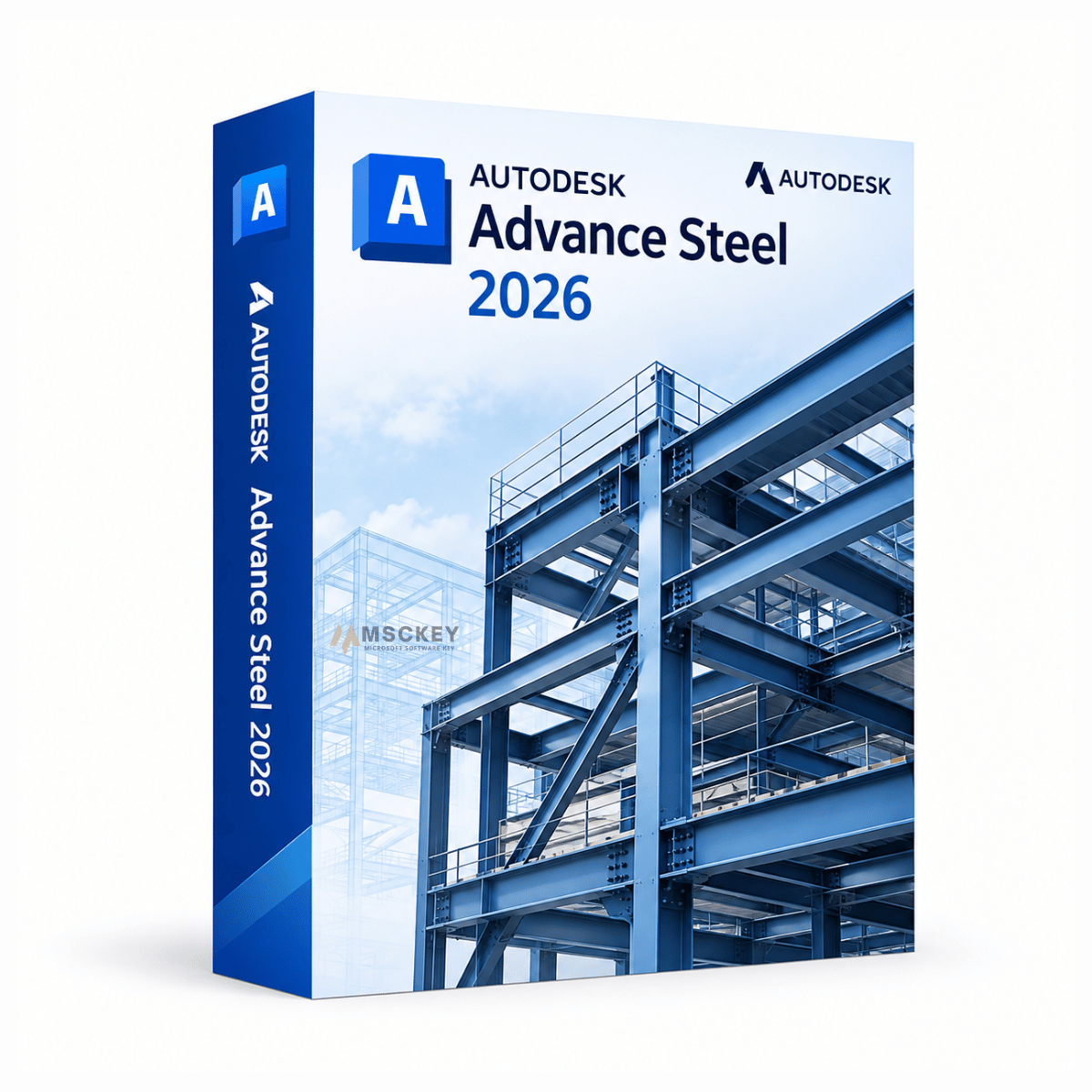
Programa en versión educativa, completo con todas las funciones. El producto no tiene marca de agua identificativa ni referencias a la versión educativa en los documentos.
Autodesk Advance Steel 2026 es una aplicación dedicada al detallado 3D de estructuras de acero, construida sobre la plataforma AutoCAD 2026. Ingenieros estructurales, detallistas de acero y fabricantes la utilizan para modelar estructuras metálicas con elementos y uniones paramétricos inteligentes, y después generar planos de fabricación, datos CNC y listas de materiales directamente desde ese modelo. Este producto incluye una licencia de un año para un dispositivo con Windows, entregada por email desde Msckey.
Advance Steel automatiza las partes del detallado de acero que las herramientas CAD generales te obligan a hacer a mano. En lugar de dibujar cada unión, el software incorpora una biblioteca de elementos estructurales paramétricos, como vigas, pilares, arriostramientos, cartelas, placas base, escaleras, barandillas y escaleras de gato con jaula, que se ajustan automáticamente a la geometría que los rodea.
El flujo de trabajo es completo de principio a fin:
Modelado estructural 3D: modela toda la estructura metálica con elementos inteligentes que actualizan los elementos conectados cuando cambias el tamaño de una sección o una longitud.
Uniones automatizadas: coloca uniones con angulares, con placa de testa, con placa base, con cartela y uniones rígidas desde una biblioteca preconfigurada, con propagación de uniones que aplica una unión definida a todas las situaciones similares del modelo.
Generación de planos: produce planos de disposición general, de piezas individuales y de conjuntos a partir del modelo, con nubes de revisión para seguir los cambios en los planos de taller.
Datos de fabricación CNC: genera archivos NC para controlar líneas de taladrado, máquinas de despuntado, cortadoras de chapa y sierras, eliminando la reintroducción manual de datos en el taller.
Listas de materiales e informes: genera listas de materiales, listas de corte y listas de tornillos que se actualizan con el modelo, exportables mediante KISS, XML o IFC a sistemas MIS y de presupuestos.
Interoperabilidad: sincroniza con Revit y Robot Structural Analysis, y lleva los modelos a Navisworks para la detección de interferencias y la coordinación.
Preferimos que compres la versión adecuada antes que la más nueva, así que esta es la situación real.
En marzo de 2023, Autodesk anunció que pasaba Advance Steel a modo de mantenimiento, indicando que dejaba de desarrollar nuevas funciones en el producto para centrar sus esfuerzos en acero en sus plataformas de BIM y colaboración. Esa política no se ha revertido. Las versiones publicadas desde entonces, incluida la 2026, ofrecen actualizaciones de plataforma, mejoras de estabilidad, parches de seguridad y correcciones de interoperabilidad, en lugar de nuevas capacidades de detallado de acero.
Eso no significa que Advance Steel sea inservible o carezca de soporte. Sigue siendo una herramienta de detallado madura, completa y apta para producción, y todo el conjunto de funciones descrito arriba está intacto en la versión 2026. Lo que sí significa es que debes elegir tu versión por motivos prácticos en lugar de esperar un salto en funciones.
Compra el software Advance Steel 2026 si:
Quédate con tu versión actual si:
Las versiones anteriores, de 2022 a 2025, están disponibles en nuestra página de selección de versiones de Advance Steel si necesitas ajustarte a un estándar de proyecto existente.
La versión 2026 es una actualización de plataforma y mantenimiento. Las principales áreas de cambio:
Herencia de la plataforma AutoCAD 2026: como Advance Steel funciona sobre AutoCAD, las mejoras de gráficos y navegación introducidas en AutoCAD 2026 se trasladan también. Es la diferencia más notable en el día a día para quien trabaja con grandes estructuras de varias plantas o de grandes luces.
Mejoras en la extensión para Revit: la Advance Steel Extension for Revit añade la transferencia de marcas de piezas individuales y de conjuntos desde Advance Steel al modelo de Revit, lo que ayuda a las empresas que trabajan en paralelo con Revit y Advance Steel a evitar discrepancias de marcado entre ambos.
Correcciones en la exportación IFC: correcciones de precisión específicas para perfiles en C y correas conformadas en frío, que antes se exportaban con una geometría incorrecta y causaban problemas de coordinación posteriores.
Actualizaciones de estabilidad y seguridad: las versiones intermedias de 2026 incluyen actualizaciones de bibliotecas de seguridad, mejoras de estabilidad de Navisworks al abrir proyectos que contienen elementos de Advance Steel y correcciones en la exportación de listas de materiales, el manejo de DWG y el intercambio SMLX.
AutoCAD es una plataforma CAD 2D y 3D de uso general. Advance Steel está construido sobre AutoCAD. Añade un entorno completo para estructuras de acero con una biblioteca paramétrica de acero. También incluye uniones automatizadas, un motor de planos de fabricación, salida CNC y herramientas de listas de materiales. Obtienes la plataforma AutoCAD más el conjunto de herramientas para estructuras metálicas, pero Advance Steel no sustituye a AutoCAD en el trabajo de dibujo general.
Las empresas que realizan BIM arquitectónico y estructural en lugar de detallado de fabricación deberían considerar Autodesk Revit 2026, que es el complemento del lado del diseño para el papel de detallado de Advance Steel.
| Componente | Mínimo | Recomendado |
|---|---|---|
| Sistema operativo | Windows 10 o Windows 11 de 64 bits | Windows 11 de 64 bits, totalmente actualizado |
| Procesador | 2,5–2,9 GHz. ARM no compatible | 3,0 GHz+ base, 4,0 GHz+ turbo |
| Memoria | 8 GB | 32 GB o más para modelos grandes y nubes de puntos |
| Tarjeta gráfica | GPU de 2 GB, DirectX 11, ancho de banda de 29 GB/s | GPU de 8 GB, DirectX 12, ancho de banda de 106 GB/s |
| Resolución de pantalla | 1920 x 1080 True Color | Hasta 3840 x 2160 (4K) |
| Espacio en disco | 10 GB, SSD recomendado, más 1 GB de caché de disco | 16 GB más 1 GB de caché de disco, SSD NVMe |
| .NET | .NET 8 | .NET 8 |
| Internet | Necesario para la activación | Banda ancha para colaboración en la nube |
No. Autodesk vende Advance Steel solo por suscripción. Este producto es un periodo de 1 año para 1 dispositivo. Cualquier vendedor que describa una licencia de Advance Steel como "de por vida" o "sin caducidad" no está describiendo el modelo de licencias de Autodesk.
Un PC con Windows. Si necesitas puestos adicionales, contáctanos antes de hacer el pedido en lugar de comprar varias claves individuales, ya que podemos asesorarte sobre la opción adecuada.
No. Advance Steel es solo para Windows y los procesadores ARM no son compatibles.
Sí, mediante la Advance Steel Extension for Revit, que permite un flujo de trabajo bidireccional entre los modelos estructurales de Revit y los modelos de detallado de Advance Steel. Aquí es importante que las versiones coincidan. Combínalo con Revit 2026 para un flujo de trabajo lo más fluido posible.
No de forma fiable. Como ocurre con la mayoría de los productos de Autodesk, los archivos guardados en una versión más reciente pueden no abrirse correctamente en versiones anteriores. Usa la misma versión que tus colaboradores antes de empezar un proyecto.
Autodesk pasó Advance Steel a modo de mantenimiento en marzo de 2023, lo que significa que las versiones se centran en la estabilidad, la seguridad y la compatibilidad de plataforma en lugar de en nuevas funciones. El software sigue recibiendo versiones anuales y actualizaciones intermedias. Si el desarrollo de funciones a largo plazo es importante para la decisión de herramientas de tu empresa, tenlo en cuenta antes de comprometerte con un flujo de trabajo plurianual basado en él.
Contacta con nuestro equipo de soporte indicando tu número de pedido y una captura de pantalla del error. El soporte es gratuito con tu compra: escríbenos a través de la página de contacto o a support@msckey.com. Ten en cuenta que las claves no son reembolsables una vez entregadas, así que comprueba primero la compatibilidad; consulta nuestra política de envíos y devoluciones.
en msckey, vendemos claves de licencia de software 100% digitales. No hay ningún producto físico ni envío físico involucrado. Lea atentamente esta política antes de realizar su pedido.
Todos los productos vendidos en Msckey.com son claves de licencia digitales entregadas por correo electrónico. Una vez confirmado el pago, se enviarán sus claves de licencia a la dirección de correo electrónico que proporcionó al finalizar la compra.
Si no ha recibido su clave de licencia dentro de las 24 horas posteriores a su pago confirmado, contáctenos en support@msckey.com y lo resolveremos rápidamente.
Debido a que nuestros productos son claves de licencia digitales, nuestra política de reembolso funciona de manera diferente a la de los productos físicos. Lea atentamente lo siguiente antes de completar su compra.
Puede solicitar un reembolso completo antes de que le hayan enviado su clave de licencia. Si cambia de opinión después de realizar un pedido y la clave aún no ha sido entregada, comuníquese con nuestro equipo de soporte lo antes posible y procesaremos su reembolso.
Una vez que se haya enviado una clave de licencia a su correo electrónico, el pedido se considera cumplido y no es estrictamente reembolsable. Esto se aplica independientemente de si la clave se ha activado o no. Una vez entregada, la llave estará en su poder y no podrá devolverse como un artículo físico.
Una vez que una clave de licencia ha sido activada o utilizada en cualquier dispositivo o cuenta, no es reembolsable bajo ninguna circunstancia, sin excepciones.
Respaldamos la calidad de nuestros productos. Si recibe una clave que no funciona o no es válida, comuníquese con nuestro equipo de soporte dentro de los 30 días posteriores a la compra con la siguiente información:
Investigaremos y, si verificamos el problema por nuestra parte, le proporcionaremos una clave de reemplazo o emitiremos un reembolso a nuestra discreción.
Si tiene alguna pregunta sobre su pedido, entrega o esta política, no dude en comunicarse con nuestro equipo de soporte:
Nuestro equipo de soporte está disponible para ayudarle y responderá lo más rápido posible.
Última actualización: junio de 2026. Msckey se reserva el derecho de actualizar esta política en cualquier momento. Cualquier cambio se reflejará en esta página.
Wishlist is empty.

