Description
Buy Microsoft Office 2024 Home & Business for PC Online Activation at an Affordable Price
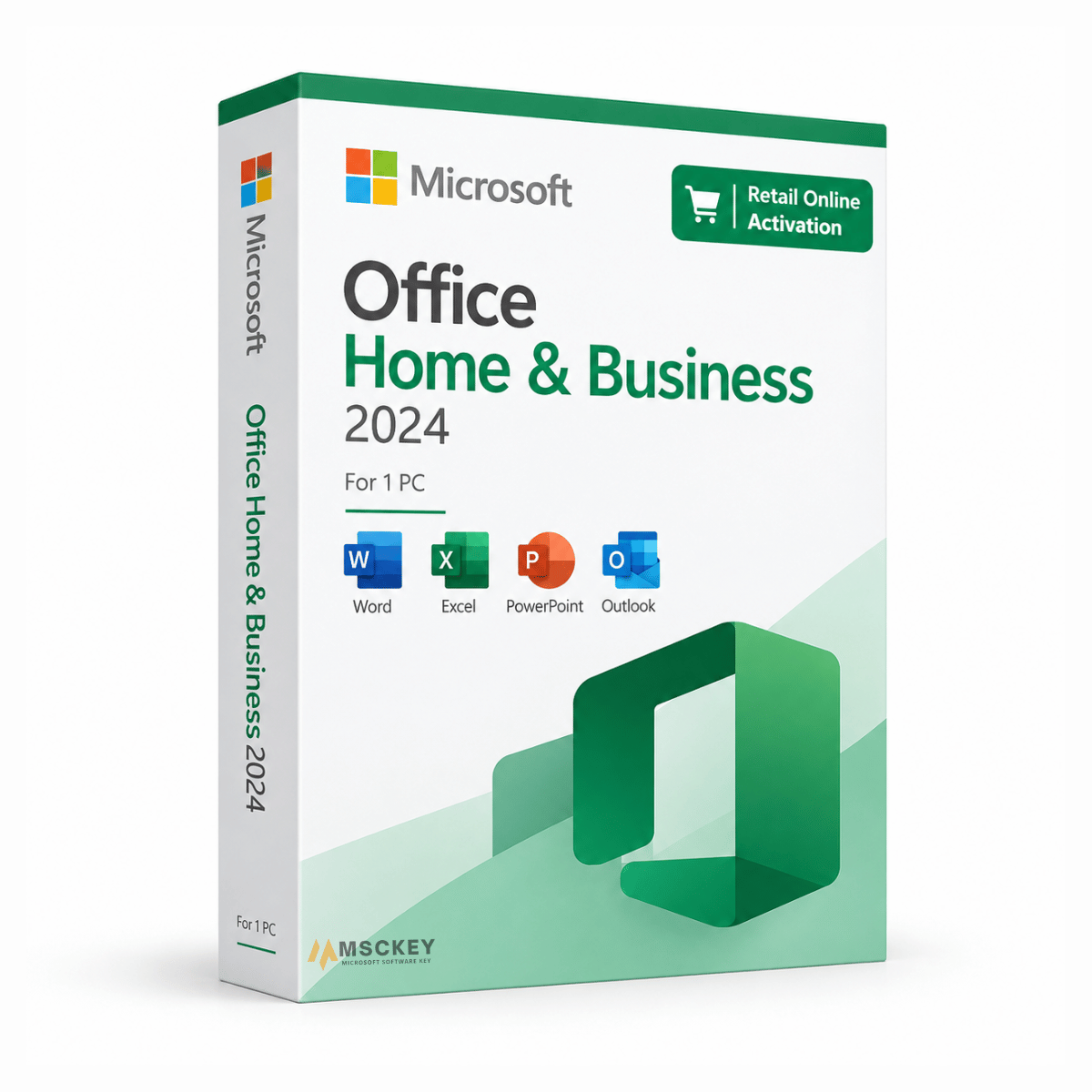
Microsoft Office 2024 Home & Business is a one-time purchase of the desktop Office suite for a single Windows PC. It includes Word, Excel, PowerPoint, Outlook, and OneNote, and it carries commercial use rights, so it is licensed for freelance and small business work as well as personal use. There is no subscription and no renewal. This listing uses standard online activation through your Microsoft account at setup.office.com.
What's Included in Office 2024 Home and Business for PC
Word 2024: document creation with improved editor and grammar tools, real-time co-authoring, and an updated interface.
Excel 2024: dynamic array functions and newer additions including XLOOKUP, TEXTBEFORE, TEXTAFTER, and GROUPBY, plus improved PivotTable handling.
PowerPoint 2024: updated transitions, layout suggestions, and presenter view improvements.
Outlook 2024: email, calendar, and contact management, licensed for commercial use.
OneNote 2024: digital notebook with OneDrive sync.
Note that Access and Publisher are not included in Home & Business. If you need those, you need Professional Plus.
Office 2024 Perpetual Licenses: What That Actually Means
Office 2024 is a one-time purchase, not a subscription. You pay once and the license does not expire. Two things worth understanding before you buy:
- It is tied to one PC: The license activates on a single Windows machine and stays with it. Moving to new hardware generally means the licence does not travel with you.
- Perpetual means no feature updates, not no support: Microsoft provides security and stability updates for Office 2024, but perpetual editions do not receive the new features that Microsoft 365 subscribers get. If you want continuously updated apps and cloud storage, a Microsoft 365 subscription is a different product with a different value proposition. If you want to pay once and keep working, this is the right choice.
You can check current support dates for any Microsoft product using our Microsoft lifecycle end-of-support checker.
Which Office 2024 Edition Do You Need?
| Office 2024 Home | Home & Business (this page) | Office 2024 Professional Plus | |
|---|---|---|---|
| Word, Excel, PowerPoint, OneNote | Yes | Yes | Yes |
| Outlook | No | Yes | Yes |
| Access | No | No | Yes |
| Commercial use rights | No | Yes | Yes |
| One-time purchase | Yes | Yes | Yes |
If you don't need Outlook and your use is strictly personal, the Office 2024 Home edition costs less. If you need Access for database work, you need Office 2024 Professional Plus.
Office 2024 Home & Business Online Activation - How to Download and Activate on Your PC
- Your 25-character product key arrives by email after payment is confirmed.
- Go to setup.office.com and sign in with your Microsoft account, or create one.
- Enter your product key and follow the prompts to redeem it.
- Download and install Office 2024 Home & Business from your account page.
- Open any Office app to confirm activation.
Your license is linked to the Microsoft account you redeem it with, so use an account you will retain access to.
Working on a machine with restricted internet, or would rather not link a Microsoft account? We also stock the same edition with phone activation, which activates without a Microsoft account sign-in.
System Requirements for Office 2024 Home and Business PC
| Component | Requirement |
|---|---|
| Operating System | Windows 10 (64-bit) or Windows 11 |
| Processor | 1.1 GHz dual-core or faster |
| RAM | 4 GB |
| Disk Space | 4 GB available |
| Display | 1280 x 768 minimum |
| Internet | Required for download and online activation |
This is the Windows PC version. Office 2024 for Mac is a separate product.
What You Get After Purchase
- A genuine Microsoft Office Home and Business 2024 online activation key for 1 PC.
- Official Microsoft download link with setup instructions.
- Perpetual license: no subscription, no renewal.
- Commercial use rights.
- Free technical support from our team, 24/7.
FAQs
1: Is this a subscription?
No. This is a one-time purchase and the license does not expire.
2: Can I use this for business?
Yes. Home & Business includes commercial use rights, unlike the Home edition.
3: How many PCs can I install this on?
One Windows PC.
4: Does this include Access or Publisher?
No. Office 2024 Home & Business includes Word, Excel, PowerPoint, Outlook, and OneNote. Access requires Professional Plus.
5: Can I move the Office 2024 Home & Business PC license to a new computer?
Retail licenses have limited transfer rights and the process varies. Contact us before changing hardware and we will advise on your specific key.
6: What if activation fails?
Contact our team with your order number and a screenshot of the error via the contact page or at support@msckey.com. Keys are non-refundable once delivered, so check compatibility first. See our Shipping & Returns policy.
Additional Information
Shipping & Return
Shipping & returns at a glance
- Delivery method: Msckey delivers every order as a digital license key by email. Nothing is shipped physically.
- Delivery time: Most orders arrive within 1 to 24 hours of payment confirmation.
- Shipping fee: None. Digital delivery costs nothing extra.
- Cancel before delivery: You get a full refund.
- Change of mind after delivery: A delivered key cannot be returned for a refund.
- Faulty key: Msckey replaces it. If Msckey cannot supply a working replacement, you get a full refund.
- Refund timing: Refunds go back to your original payment method within 3 to 10 business days.
- Help: Email support@msckey.com with your order number.
How is my order delivered?
Msckey delivers all products as digital license keys sent to the email address you enter at checkout. There is no physical box, disc or shipment.
- You complete payment at checkout.
- Msckey confirms the payment. Some orders go through a security review first, as explained on our Payment page.
- Msckey emails your license key to your checkout email address.
- You check your inbox. If the email is not there, check your spam or junk folder.
How long does delivery take?
Most orders are delivered within 1 to 24 hours after payment confirmation. Delivery can take longer when a payment needs a security review.
If your key has not arrived 24 hours after payment confirmation, email support@msckey.com. Include your order number and the email address you used at checkout.
Is there a shipping fee?
No. Msckey charges no shipping fee on any order because every product is delivered digitally.
Can I cancel my order?
Yes, as long as your license key has not been delivered yet. To cancel:
- You email support@msckey.com with your order number and the word "Cancel" in the subject line.
- Msckey checks whether the key has been sent.
- Msckey cancels the order and refunds the full amount if the key has not been delivered.
Email as soon as possible. Once a key has been delivered, the order counts as fulfilled and can no longer be cancelled.
Can I return a license key after it is delivered?
No. A delivered license key cannot be returned for a change-of-mind refund, whether or not you have activated it.
Why: A license key is digital content. Once it has been emailed to you, it cannot be handed back the way a physical product can.
Your cancellation right: Under UK consumer law, you normally have 14 days to cancel an online purchase. For digital content, that right ends once delivery begins, provided you agreed to immediate delivery and confirmed that you understand you lose the right. By placing an order with Msckey, you agree that we may deliver your key immediately, and you acknowledge that your right to cancel ends once the key is delivered.
What if I bought the wrong product?
Check the product name, version, edition and number of devices before you pay. Also check that the software supports your operating system. If you are unsure, email support@msckey.com before you buy.
If you notice a mistake before your key is delivered, cancel the order using the steps above for a full refund. Once a key has been delivered, a wrong-product purchase is treated as a change of mind and is not refundable.
What if my license key does not work?
A faulty key is a key that the software publisher's activation system rejects as invalid, blocked or already used, when you enter it for the product you ordered on a supported system.
Msckey replaces faulty keys. To report one:
-
You email support@msckey.com with:
- your order number
- a screenshot of the activation error message
- your device and system details, such as your Windows version
- Msckey checks the key and the error.
- Msckey sends you a replacement key if the key is confirmed faulty.
- Msckey refunds you in full if it cannot supply a working replacement.
Report a faulty key as soon as you find the problem. Some activation errors can be fixed without a new key. For example, Office can often be activated by phone when online activation fails; our guide on how to activate Microsoft Office by phone shows you how.
How do refunds work?
Msckey sends every approved refund back to the payment method you used at checkout. Depending on your bank or payment provider, the money takes 3 to 10 business days to appear. Our Payment page has more detail on payment methods and processing.
Your statutory rights
Nothing in this policy affects your legal rights as a consumer. This includes your rights under the UK Consumer Rights Act 2015 or the consumer law of your country. These rights include your right to digital content that is as described, fit for purpose and of satisfactory quality.
This policy forms part of our Terms and Conditions.
Contact us
For questions about delivery, cancellations or refunds, contact Msckey:
- Email: support@msckey.com
- Contact page: msckey.com/pages/contact
- Address: 27 Old Gloucester St, London WC1N 3AX, United Kingdom
Include your order number in every message so we can find your order straight away.
Last updated: September 2026. Msckey may update this policy. Any changes will appear on this page with a new date.
Reviews
My Wishlist
Wishlist is empty.
Compare
Shopping cart