Description
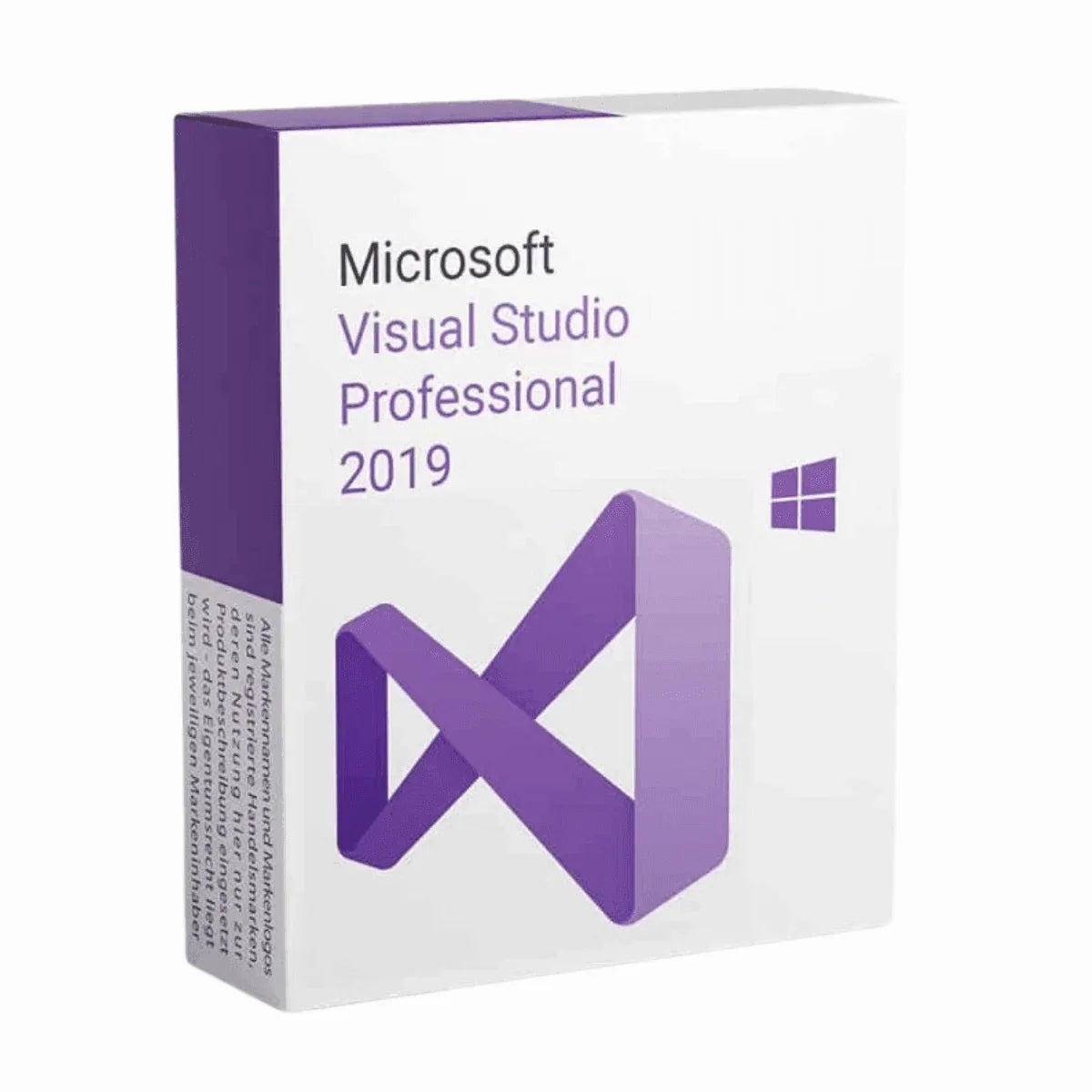
Buy Visual Studio 2019 Professional License Key and Download
How can you be ready to embark your journey into the coding world without a good IDE by your side? How about having a popular IDE software by your side that’s going to help you finish your task quickly and make you learn more? Sounds dreamy, right? Dreams become reality sometimes and so will it with the Visual Studio 2019 Professional developed by Microsoft.
Programming with Visual Studio Professional 2019 is something you wouldn’t want to miss if you’re a programmer. It has got all the facilities you might need to develop software. We’re sure you already know about the Visual Studio 2017 Professional. That was a masterpiece! But this one, the new Visual Studio 2019 Professional surpasses that! However, to prove that we’ll give you a detailed product description on the features and upgrades to make your understanding about Visual Studio 2019 Pro clearer.
Why Should You Use Visual Studio 2019 Professional?
Visual Studio Professional 2019 is an intelligent software development tool. Better and more functional than the popular Visual Studio 2017. Using this, you’ll not only be able to write code more efficiently, but also, identify mistakes, learn theories and syntaxes, and how to remediate the error. It’s a very productive software app, and a best friend to anyone who’s developing any kind of software, be it a large and complex one or small and simplified one.
Let’s take a look at some generic features of Visual Studio 2019 Professional.
Supporting Multiple Programming Languages
- Breadth: Develop in C#, Visual Basic, F#, C++, Python, Java, and more, making it versatile for various project needs.
Rich Code Editing Tools
- IntelliSense: Experience intelligent code completion, parameter info, and member suggestions as you type, boosting your coding speed and accuracy.
- Code Refactoring: Effortlessly restructure your code with features like renaming variables, extracting methods, and rearranging code blocks, improving maintainability.
- Debugging and Diagnostics: Identify and fix bugs efficiently with tools like breakpoints, call stacks, and variable inspection, accelerating development cycles.
Application Lifecycle Management
- Build and Deploy: Build applications for various platforms (desktop, web, mobile) and deploy them seamlessly to target environments.
- Project Management: Organize and manage your codebase effectively with features like project templates, solution explorer, and code search.
Collaboration Tools
- Git Integration: Version control your code and collaborate with other developers using Git repositories and Team Foundation Server.
- Live Share: Collaborate on code in real-time with other developers, regardless of their location, enabling efficient teamwork.
Web Development Tools
- ASP.NET MVC and Core: Build modern web applications using popular frameworks like ASP.NET MVC and ASP.NET Core.
- Node.js Support: Develop server-side applications with JavaScript using Node.js integration.
- Blazor: Create interactive web UIs with C# using the Blazor framework.
Mobile Development Tools
- Xamarin: Develop cross-platform mobile apps for iOS, Android, and Windows using Xamarin libraries and tools.
Game Development Tools
- Unity Integration: Work seamlessly with the Unity game engine directly within Visual Studio.
- DirectX Support: Leverage the DirectX graphics and audio API for high-performance game development.
These are just some of the many generic features of Visual Studio 2019 Pro. While some of the functions may vary in newer versions or any other alternative IDEs, it’d be a very good starting point for you to understand the capabilities of professional development environments.
What’s New in Visual Studio 2019 Professional?
Even though Visual Studio 2019 Professional is a comparatively older software. So, the features got upgraded a lot since then but here are some of the updates and new features you’ll be seeing starting from Visual Studio Pro 2019 than Visual Studio 2017 Professional software.
Productivity Enhancements
- Live Code Analysis: Get real-time feedback on your code as you type, highlighting potential issues like syntax errors and style violations.
- Improved IntelliSense: Gain even more intelligent code completion suggestions and context-aware refactoring options.
- Focus Mode: Minimize distractions and stay focused on your code with adjustable background dimming and temporary notifications silencing.
- Performance Improvements: Experience faster loading times, build speeds, and overall responsiveness compared to VS 2017 Pro.
Development Tool Updates
- C# 8 and 9 Support: Leverage the latest language features like pattern matching, nullable reference types, and top-level statements for cleaner and more concise code.
- ASP.NET Core 2 and 3: Develop modern web applications using the latest versions of the popular ASP.NET Core framework with features like razor pages and enhanced dependency injection.
- Xamarin.Forms Enhancements: Build cross-platform mobile apps with improved performance and new UI controls like master-detail pages and carousel views.
- Live Unit Testing: Run unit tests as you write your code and see the results instantly, enabling a more test-driven development workflow.
Developer Experience Improvement
- Search Improvements: Find what you need faster with enhanced search functionality across code, files, and solutions.
- Error List Updates: Get more informative error messages and quick access to relevant documentation for quicker debugging.
- Visual Studio Installer: Streamlined installation and update process with modular component selection and clearer dependency information.
- Settings Synchronization: Keep your development environment consistent across multiple machines with settings synchronization.
Additional Features
- Git Improvements: Enhanced Git integration with features like branch pull requests and improved conflict resolution.
- Docker Support: Build and deploy containerized applications directly within Visual Studio.
- Azure Integration: Streamlined deployments and management of Azure cloud resources.
- Accessibility Enhancements: Improved support for screen readers and other assistive technologies.
Visual Studio 2019 Professional vs Enterprise
Visual Studio 2019 Professional is designed for individual developers and small teams working on complex applications across multiple platforms. It includes powerful tools for coding, debugging, testing, and DevOps for desktop, web, mobile, and cloud solutions.
Visual Studio 2019 Enterprise, on the other hand, is geared towards larger teams and organizations with advanced application lifecycle management and development operations needs. It builds upon the Professional version with additional capabilities like:
- Lab Management for automating test lab environments
- Architecture tools for analyzing code base dependencies
- Advanced testing tools like coded UI tests and load testing
- Maritime development tools for C++ core editing and debugging
- Reporting tools for agile project tracking and code metrics
The Enterprise edition also unlocks all Visual Studio subscriptions like Visual Studio Test Professional, Visual Studio Lifecycle Hosted Resources, and others.
What are You Getting with Visual Studio 2019 Professional License Key?
The Visual Studio 2019 Pro has got new updates and as a result this software is not available for official download in Microsoft anymore. But Msckey will help you with that. So, you can rest assured Msckey is always here to support you with official licenses and customer support so that you can have a smooth experience in downloading and activating the newly purchased VS 2019 Professional. So, let’s see what stuffs you’ll be getting when you purchase the software –
- The digital license for Visual Studio 2019 Pro for 1 PC
- The download link for the software.
- Guidelines for installation and activation
- Msckey customer support contact details to help you set up your software.
Visual Studio 2019 Pro System Requirements
- Operating System: Windows 7 or newer, Windows Server 2016 or newer.
- Processor: ARM64 or x64 Processor; Quad core or more.
- RAM: At least 2GB; 8 GB is recommended. However, for better performance, you can add more.
- HDD: Free storage 800 MB to 210 GB of available space but on average 20-50 GB of free space is required.
- Additional Requirements: Windows 365 (5vCPU and 16GB of RAM is recommended); and Visual Studio Test Agent (64-bit processor, 2.6 GHz or faster.)
- SSD: It’s not a requirement but it can significantly upgrade your software performance.
- Internet Connection: Internet Connection is required for Cloud services, Real-time collaboration, and downloading new updates.
- Display: 720p (1280 x 720) or higher resolution monitor.
- Video Card: Minimum display resolution of 720p (1280 x 720).
Additional Information
Shipping & Return
Shipping & Returns Policy
At Msckey, we sell 100% digital software license keys. There is no physical product and no physical shipping involved. Please read this policy carefully before placing your order.
How We Deliver Your Order
All products sold on Msckey.com are digital license keys delivered via email. Once your payment is confirmed, your license key(s) will be sent to the email address you provided at checkout.
- Delivery Method: Email only - no physical shipment
- Delivery Time: Most orders are delivered within 1 to 24 hours after payment confirmation
- No Shipping Fee: Since all products are digital, there are no shipping charges on any order
- Email Check: Please check your inbox and your spam/junk folder if you do not see your key within the expected timeframe
If you have not received your license key within 24 hours of your confirmed payment, please contact us at support@msckey.com and we will resolve it promptly.
Return & Refund Policy
Because our products are digital license keys, our refund policy works differently from physical goods. Please read the following carefully before completing your purchase.
Refunds Eligible - Before Key Delivery
You may request a full refund before your license key has been sent to you. If you change your mind after placing an order and the key has not yet been delivered, please contact our support team as soon as possible and we will process your refund.
Non-Refundable - After Key Delivery
Once a license key has been sent to your email, the order is considered fulfilled and is strictly non-refundable. This applies regardless of whether the key has been activated or not. Once delivered, the key is in your possession and cannot be returned like a physical item.
Once a license key has been activated or used on any device or account, it is non-refundable under any circumstances, with no exceptions.
Important - Please Read Before Purchasing
- Ensure you are purchasing the correct product (correct Windows version, Office version, number of licenses, etc.) before completing your order
- Check that the product is compatible with your system before activating the key
- If you are unsure about compatibility, please contact us before making a purchase
- We strongly recommend not activating the key until you are fully certain it is the right product for your needs
Faulty or Invalid Keys
We stand behind the quality of our products. If you receive a key that does not work or is invalid, please contact our support team within 30 days of purchase with the following information:
- Your order number
- A screenshot of the error message when attempting to activate the key
- Your device and system details (operating system version, etc.)
We will investigate and, if the issue is verified on our end, provide you with a replacement key or issue a refund at our discretion.
Contact Us
If you have any questions about your order, delivery, or this policy, please do not hesitate to reach out to our support team:
- Email: support@msckey.com
- Website: msckey.com
Our support team is available to assist you and will respond as quickly as possible.
Last updated: June 2026. Msckey reserves the right to update this policy at any time. Any changes will be reflected on this page.
Reviews
My Wishlist
Wishlist is empty.
Compare
Shopping cart