
Zoom
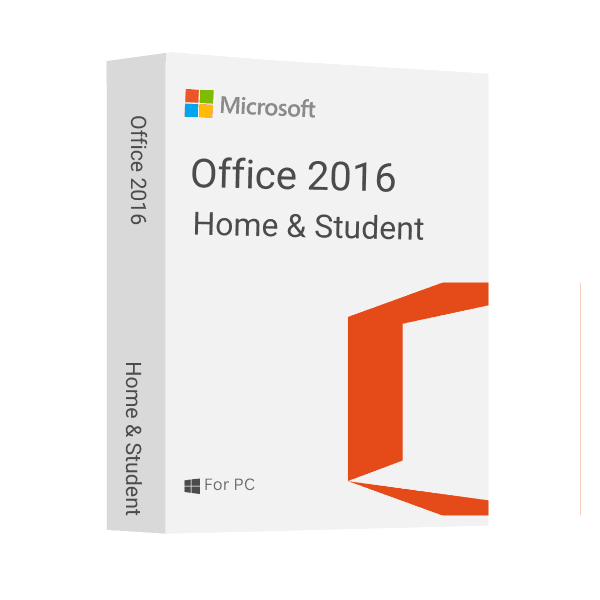
Microsoft Office Home and Student 2016 make it simpler to complete daily writing tasks, professional requirements, and academic projects. It includes Word for writing book reports, lab papers, resumes, and more, and Excel for making eye-catching graphs and precise spreadsheets. Additionally, you may use the software programs PowerPoint and OneNote to create eye-catching visual presentations, share information, and work together on projects. No physical media is needed to download and install this collection of Microsoft Office software, and it stays in situ for the duration of the device. It works with Windows 7 or later and comes with 5GB of free OneDrive cloud storage, giving you an easy way to store important data without wasting valuable hard drive space.
At Msckey, we sell 100% digital software license keys. There is no physical product and no physical shipping involved. Please read this policy carefully before placing your order.
All products sold on Msckey.com are digital license keys delivered via email. Once your payment is confirmed, your license key(s) will be sent to the email address you provided at checkout.
If you have not received your license key within 24 hours of your confirmed payment, please contact us at support@msckey.com and we will resolve it promptly.
Because our products are digital license keys, our refund policy works differently from physical goods. Please read the following carefully before completing your purchase.
You may request a full refund before your license key has been sent to you. If you change your mind after placing an order and the key has not yet been delivered, please contact our support team as soon as possible and we will process your refund.
Once a license key has been sent to your email, the order is considered fulfilled and is strictly non-refundable. This applies regardless of whether the key has been activated or not. Once delivered, the key is in your possession and cannot be returned like a physical item.
Once a license key has been activated or used on any device or account, it is non-refundable under any circumstances, with no exceptions.
We stand behind the quality of our products. If you receive a key that does not work or is invalid, please contact our support team within 30 days of purchase with the following information:
We will investigate and, if the issue is verified on our end, provide you with a replacement key or issue a refund at our discretion.
If you have any questions about your order, delivery, or this policy, please do not hesitate to reach out to our support team:
Our support team is available to assist you and will respond as quickly as possible.
Last updated: June 2026. Msckey reserves the right to update this policy at any time. Any changes will be reflected on this page.
Wishlist is empty.

