
Zoom
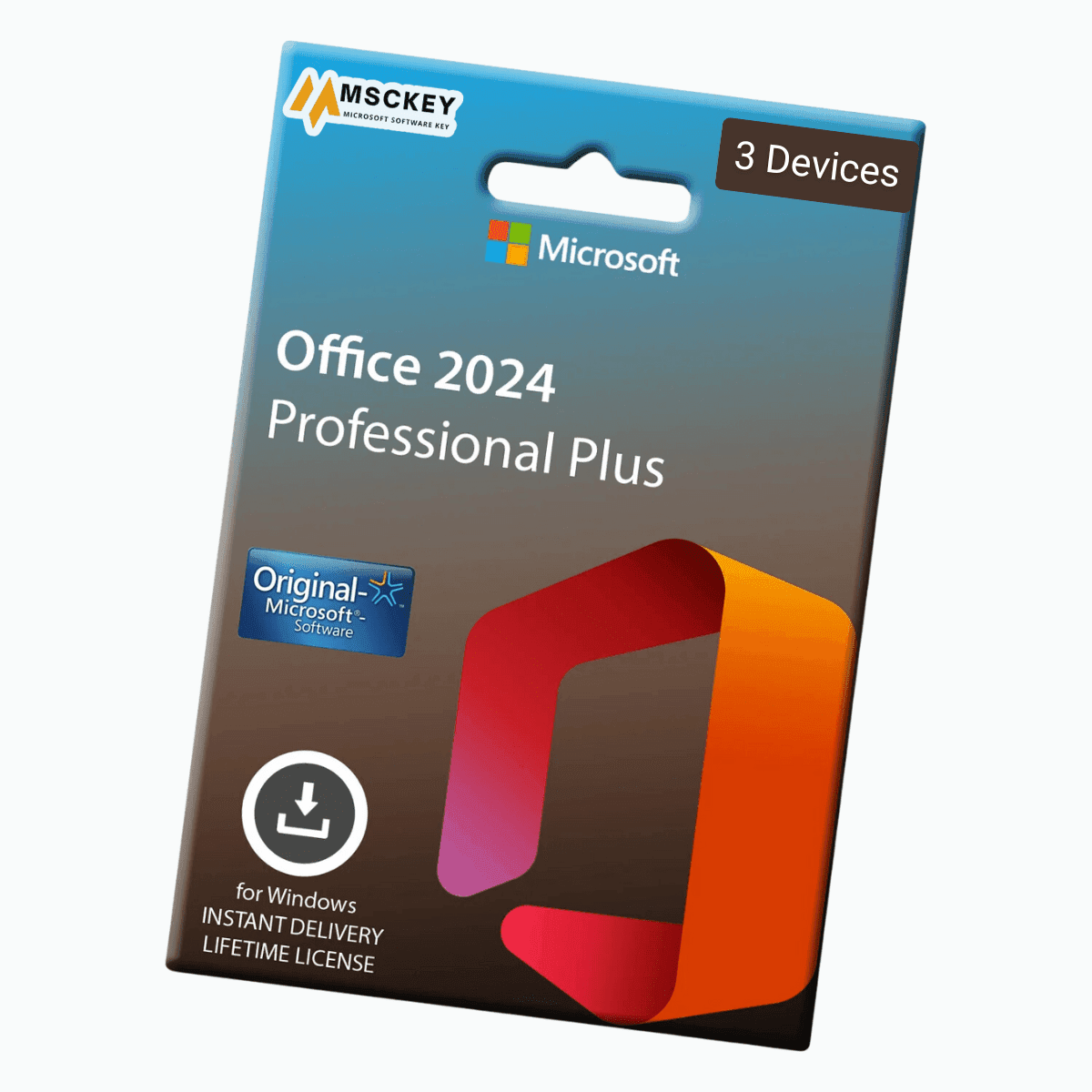
Office 2024 Professional Plus is the latest productivity suite of Microsoft that meets the needs of professionals and business users. From simple document creation to managing complex projects, a professional can confidently rely on Microsoft Office 2024. With the new advanced features and familiar applications like Word, Excel, PowerPoint, and more, Office 2024 Pro Plus has it all to cover all your working needs. Buy Office 2024 Pro Plus for 3 device lifetime license key at cheap price from Msckey and boost your efficiency at the highest level.
Note:
Microsoft Office 2024 Professional Plus has several new features that enhance the efficiency of your professional and business work. Therefore, we have included applications for Office 2024 and Office LTSC 2024. Let's explore the new inclusions:
Outlook is an excellent application for systematically managing your contacts, emails, and calendars and organizing your communication. The new Outlook has multiple features, such as a Focused inbox, scheduled mailing system, delayed email process, and so on.
OneNote is the best software for fulfilling your notetaking needs, whether thoughts, ideas, plans, or others. It includes new navigation features, quick notes, and more.
Access is a powerful application that helps users or businesses store all kinds of information in an organized process. It can create tables, queries, forms, and more.
Word is the best tool for creating simple to complex documents at ease. The latest version of Microsoft Office has included several new features to make users' tasks more efficient.
Creating presentations with excellent slides is effortless, and the renowned PowerPoint app is a well-known program. Whether students or executives, everyone prefers to make their academic or professional presentations with it. So, the new version adds some features to enhance the capability of this app.
Microsoft is very popular for its super spreadsheet program, Excel. Office Professional Plus 2024 integrates improvements and new features to make this program more efficient for financial analysis, project management, data reporting, and more.
MS Office Professional Plus 2024 brings new and improved features to enhance collaboration and performance. Here are some of the reasons why you should need this version:
Microsoft Office 2024 Pro Plus has improved a lot in this version with the integration of new features. With this Office Suite, users can experience better accessibility features, improved data analysis tools, advanced presentation graphics, and more. Moreover, this Professional Plus 2024 version can upgrade your performance and quality of work.
This Office version has improved with all the perspectives if you are a user of the previous version. The newer version has just started its journey and has Microsoft official support up to 2029. So, upgrade your older version to get the latest features with official support from Microsoft. Also, purchasing this version from Msckey provides you with one license for three PCs, which you can use simultaneously on your Home PC, Notebook, and Work PC.
Microsoft integrates better collaboration features in real-time that include your team members working on the same document. This version includes real-time editing, chat functions, and cloud storage benefits that ensure improved performance from everywhere.
When you purchase software from Msckey, you will get complete instructions to set up your software delivered by email. Therefore, Let's check the short guide for download, installation and activation.
Msckey is a verified reseller of Microsoft. You can buy Microsoft Office 2024 Professional Plus license for 3 devices at an affordable price from Msckey. When you place an order on our website, you will get the following benefits:
Important Notes
To operate Office Pro 2024, your device must have the following systems: If your computer doesn't have the below system requirement, you can't install the software. So, check this system before buying it.
Operating System: Windows 11, Windows 10 OS
Processor: At least 1.6 GHz and 2-core processor
Memory: 2 GB for 32-bit and 4 GB for 64-bit
Hard Disk: Available space of 4 GB or more is necessary
Display: For PC, the resolution should be 1024 x 768
Graphics: DirectX 10 graphics card
Additional Requirements: Internet connection and a Microsoft account.
Msckey delivers all products as digital license keys sent to the email address you enter at checkout. There is no physical box, disc or shipment.
Most orders are delivered within 1 to 24 hours after payment confirmation. Delivery can take longer when a payment needs a security review.
If your key has not arrived 24 hours after payment confirmation, email support@msckey.com. Include your order number and the email address you used at checkout.
No. Msckey charges no shipping fee on any order because every product is delivered digitally.
Yes, as long as your license key has not been delivered yet. To cancel:
Email as soon as possible. Once a key has been delivered, the order counts as fulfilled and can no longer be cancelled.
No. A delivered license key cannot be returned for a change-of-mind refund, whether or not you have activated it.
Why: A license key is digital content. Once it has been emailed to you, it cannot be handed back the way a physical product can.
Your cancellation right: Under UK consumer law, you normally have 14 days to cancel an online purchase. For digital content, that right ends once delivery begins, provided you agreed to immediate delivery and confirmed that you understand you lose the right. By placing an order with Msckey, you agree that we may deliver your key immediately, and you acknowledge that your right to cancel ends once the key is delivered.
Check the product name, version, edition and number of devices before you pay. Also check that the software supports your operating system. If you are unsure, email support@msckey.com before you buy.
If you notice a mistake before your key is delivered, cancel the order using the steps above for a full refund. Once a key has been delivered, a wrong-product purchase is treated as a change of mind and is not refundable.
A faulty key is a key that the software publisher's activation system rejects as invalid, blocked or already used, when you enter it for the product you ordered on a supported system.
Msckey replaces faulty keys. To report one:
Report a faulty key as soon as you find the problem. Some activation errors can be fixed without a new key. For example, Office can often be activated by phone when online activation fails; our guide on how to activate Microsoft Office by phone shows you how.
Msckey sends every approved refund back to the payment method you used at checkout. Depending on your bank or payment provider, the money takes 3 to 10 business days to appear. Our Payment page has more detail on payment methods and processing.
Nothing in this policy affects your legal rights as a consumer. This includes your rights under the UK Consumer Rights Act 2015 or the consumer law of your country. These rights include your right to digital content that is as described, fit for purpose and of satisfactory quality.
This policy forms part of our Terms and Conditions.
For questions about delivery, cancellations or refunds, contact Msckey:
Include your order number in every message so we can find your order straight away.
Last updated: September 2026. Msckey may update this policy. Any changes will appear on this page with a new date.
Wishlist is empty.

