

EaseUS MobiSaver for Windows
$55.99
$69.99

EaseUS MobiSaver for Mac
$75.99
$79.95
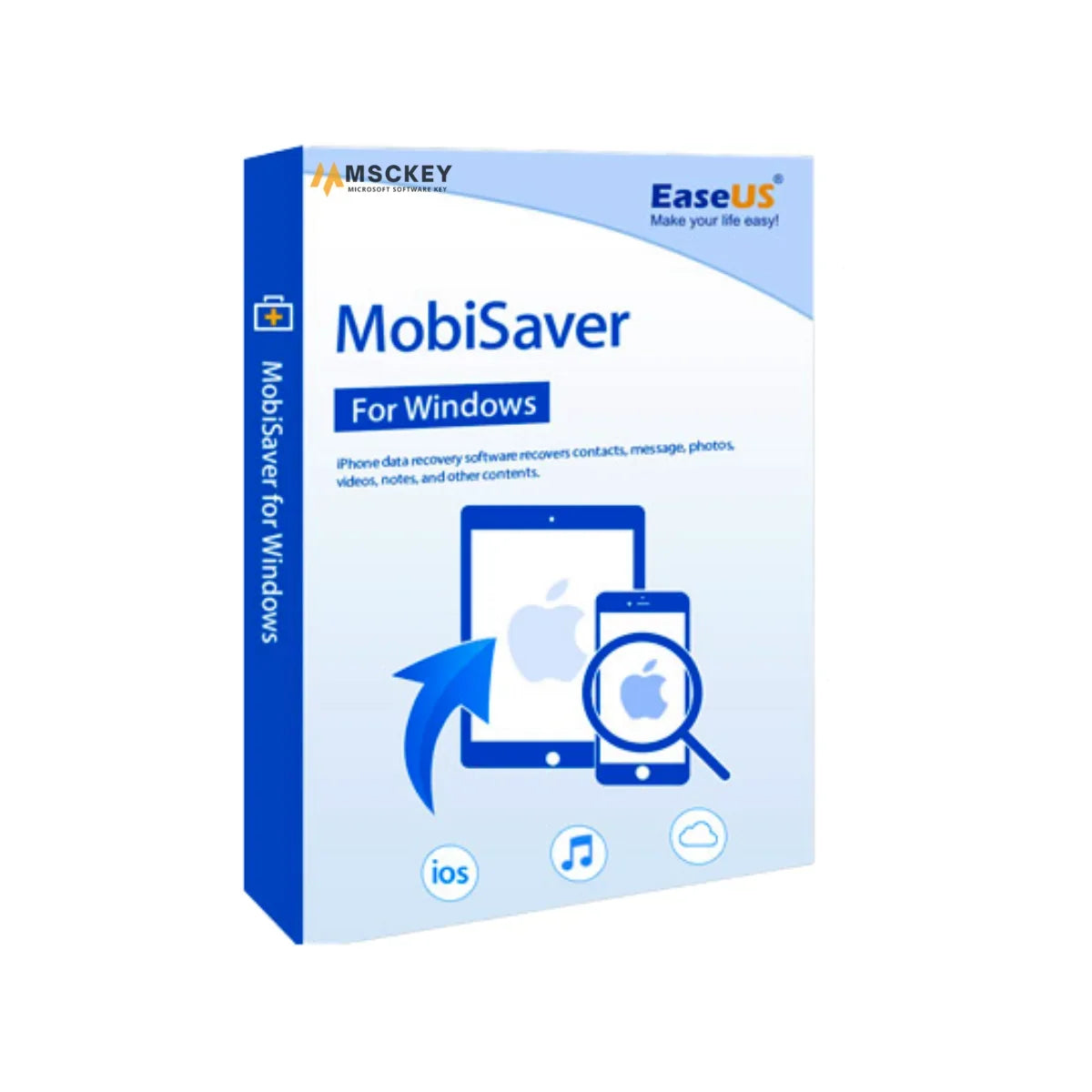
EaseUS MobiSaver for Windows is a simple but powerful data recovery tool for iPhone, iPad, and iPod Touch. If you have deleted important files by mistake, had a bad iOS update, or damaged your device, a jailbreak, or even a system crash, use this most reliable and easy-to-use iOS data recovery tool for your Windows PC. This software helps you recover lost files directly from your iOS device, iTunes backup, or iCloud backup. Buy EaseUS MobiSaver for Windows license key from Msckey at a great price to protect your data on Apple mobile devices.
EaseUS MobiSaver integrates some effective key features to streamline the recovery process. Here's what makes it the perfect choice for your data recovery:
EaseUS MobiSaver for Windows has a clean and intuitive interface to make recovery easy for beginners or experts. It also has advanced features to recover data from iTunes or iCloud backups, even if the device is missing.
This software can recover various data types, such as photos, videos, contacts, notes, WhatsApp messages, and more. Using the EaseUS MobiSaver data recovery tool, recovering multiple files is effortless.
Many users struggle to recover lost data from mobile devices, those running iOS or iPadOS. However, EaseUS MobiSaver for Windows is a user-friendly tool that allows the recovery of unlimited contacts, photos, videos, and more from Apple mobile devices.
It allows users to preview all the data which are selected before recovery. So, you can remove any files selected unintentionally and choose only those you need to recover.
EaseUS MobiSaver for Windows offers three recovery modes such as recovery from iOS devices, iTunes backups, and iCloud backups. This feature allows users to recover data from the devices regardless of whether a backup is available or not.
EaseUS MobiSaver for Windows can recover data deleted due to issues such as accidental deletion, iOS system crashes, failed iOS updates, and device damage.
Msckey is your reliable source of genuine software licenses, where you’ll get competitive prices that you love. Explore all the benefits of buying software from us:
Secure your Apple mobile device's data or recover lost data with ease. Purchase EaseUS MobiSaver for Windows lifetime license from Msckey at an affordable price.
When you purchase EaseUS MobiSaver for Windows, it will provide you with the following benefits:
To install EaseUS MobiSaver for PC requires the following system requirements:
- Operating System: Windows XP/Vista/7/8/8.1/10/11
- RAM: 1 GB or more
- Hard Disk Space: Free space 50 MB or higher
- Supported iOS Devices: iPhone 3GS or higher, iPad Mini, iPad Air, iPad, iPad Pro, iPad Touch 4, and iPad Touch 5
- Supported iOS Versions: iOS 8.0 and later (including the latest versions).
- Supported Archives: Photos, Videos, Messages, Contacts, Notes, Calendars, Memos, Call Logs, WhatsApp Messages, Safari Favorites, Message Attachment Archives, Camera Roll, Kik Messages.
Yes. EaseUS MobiSaver for Windows can recover data from Apple mobile devices like iPhone, iPad, and iPad Touch.
No. The full version has no limitations in recovering data from iOS devices, iTunes backups, and iCloud backups.
Definitely, this software works in read-only mode, which ensures data security.
Msckey delivers all products as digital license keys sent to the email address you enter at checkout. There is no physical box, disc or shipment.
Most orders are delivered within 1 to 24 hours after payment confirmation. Delivery can take longer when a payment needs a security review.
If your key has not arrived 24 hours after payment confirmation, email support@msckey.com. Include your order number and the email address you used at checkout.
No. Msckey charges no shipping fee on any order because every product is delivered digitally.
Yes, as long as your license key has not been delivered yet. To cancel:
Email as soon as possible. Once a key has been delivered, the order counts as fulfilled and can no longer be cancelled.
No. A delivered license key cannot be returned for a change-of-mind refund, whether or not you have activated it.
Why: A license key is digital content. Once it has been emailed to you, it cannot be handed back the way a physical product can.
Your cancellation right: Under UK consumer law, you normally have 14 days to cancel an online purchase. For digital content, that right ends once delivery begins, provided you agreed to immediate delivery and confirmed that you understand you lose the right. By placing an order with Msckey, you agree that we may deliver your key immediately, and you acknowledge that your right to cancel ends once the key is delivered.
Check the product name, version, edition and number of devices before you pay. Also check that the software supports your operating system. If you are unsure, email support@msckey.com before you buy.
If you notice a mistake before your key is delivered, cancel the order using the steps above for a full refund. Once a key has been delivered, a wrong-product purchase is treated as a change of mind and is not refundable.
A faulty key is a key that the software publisher's activation system rejects as invalid, blocked or already used, when you enter it for the product you ordered on a supported system.
Msckey replaces faulty keys. To report one:
Report a faulty key as soon as you find the problem. Some activation errors can be fixed without a new key. For example, Office can often be activated by phone when online activation fails; our guide on how to activate Microsoft Office by phone shows you how.
Msckey sends every approved refund back to the payment method you used at checkout. Depending on your bank or payment provider, the money takes 3 to 10 business days to appear. Our Payment page has more detail on payment methods and processing.
Nothing in this policy affects your legal rights as a consumer. This includes your rights under the UK Consumer Rights Act 2015 or the consumer law of your country. These rights include your right to digital content that is as described, fit for purpose and of satisfactory quality.
This policy forms part of our Terms and Conditions.
For questions about delivery, cancellations or refunds, contact Msckey:
Include your order number in every message so we can find your order straight away.
Last updated: September 2026. Msckey may update this policy. Any changes will appear on this page with a new date.
Wishlist is empty.

